Content stays on your Mac
Dictation, transcripts, meeting audio and local indexes are processed and stored on your machine.
Included at launchNothing leaves your Mac
Work up to 3x faster than typing. Finished emails, docs, notes and tasks.
Transcription and cleanup run on your Mac, not in somebody else's cloud. Draft, edit, capture meetings, recall past conversations and log time from one private voice layer. The Penwright API has no route that accepts your audio or transcripts, so there is nothing to leak, mine or train on.
Animated demo of four things Penwright does on a Mac: dictating a Slack message, translating a selected sentence, turning a rambling instruction into a prompt an AI agent can act on, and writing up a meeting as decisions, commitments and open questions. All processing stays on the Mac.
One shortcut. Everywhere you type.
Works wherever your cursor works
No plugins. No integrations. If an app has a text field, Penwright can write in it.
Product names and logos are trademarks of their respective owners. Penwright is not affiliated with or endorsed by them.
Penwright turns rough speech into finished writing. It removes fillers and false starts, fixes grammar, adds structure and keeps your meaning and tone intact.
Highlight text in any app, press ⌘⌥T and say what you need. Penwright reads the surrounding context, shows you the result and replaces the selection with one key. The rewrite runs locally by default.
we cant ship friday, the migration isnt done and QA found two blockers yesterday. probably needs another week, maybe more if the second blocker is deeper than it looks
Works on selectable text in email, documents, chat, browsers and code editors.
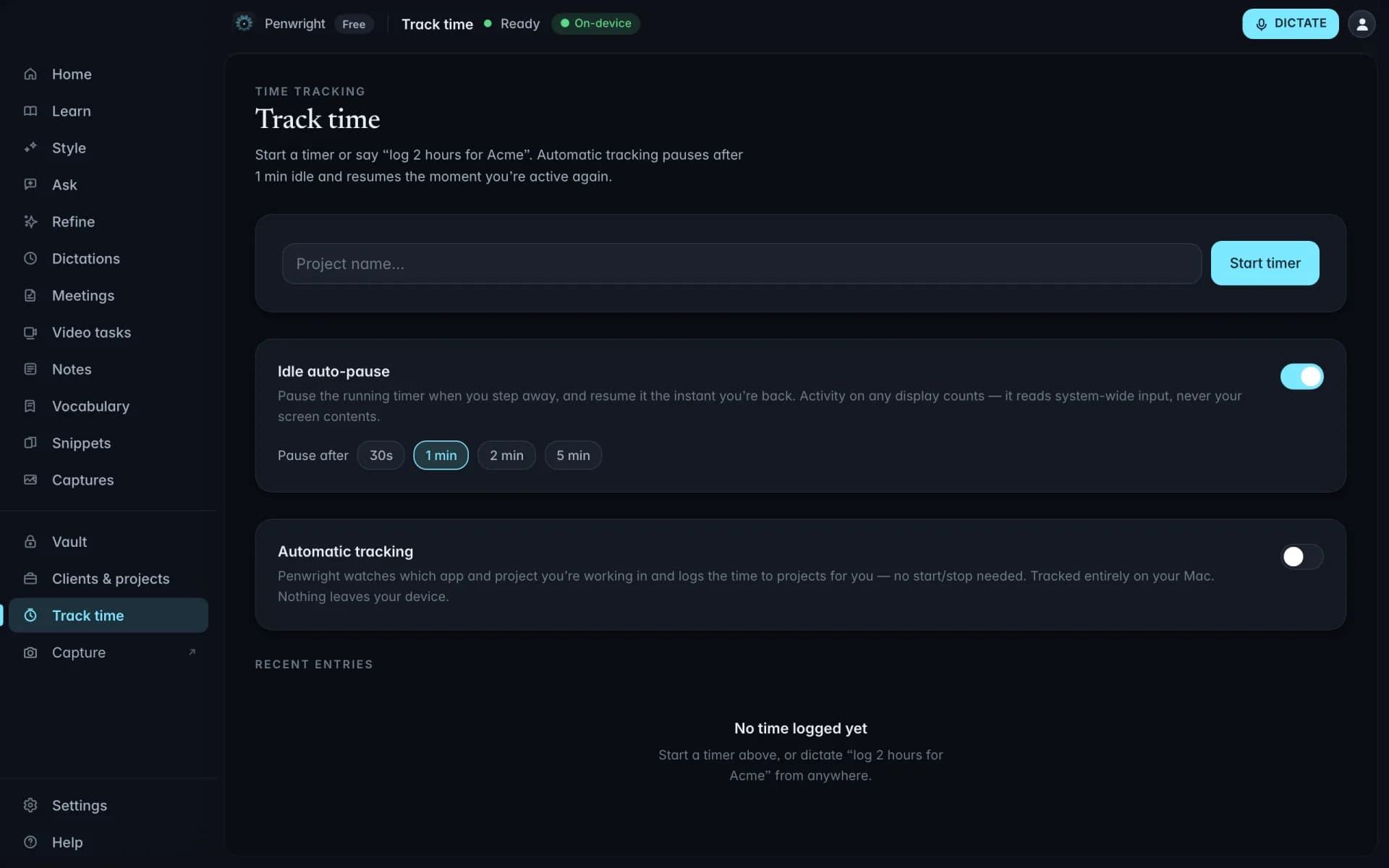
Penwright does more than write. It records your screen and camera, marks up screenshots, turns a video into a finished task, captures meetings, remembers what you said, logs billable time and keeps credentials encrypted, all on your Mac.
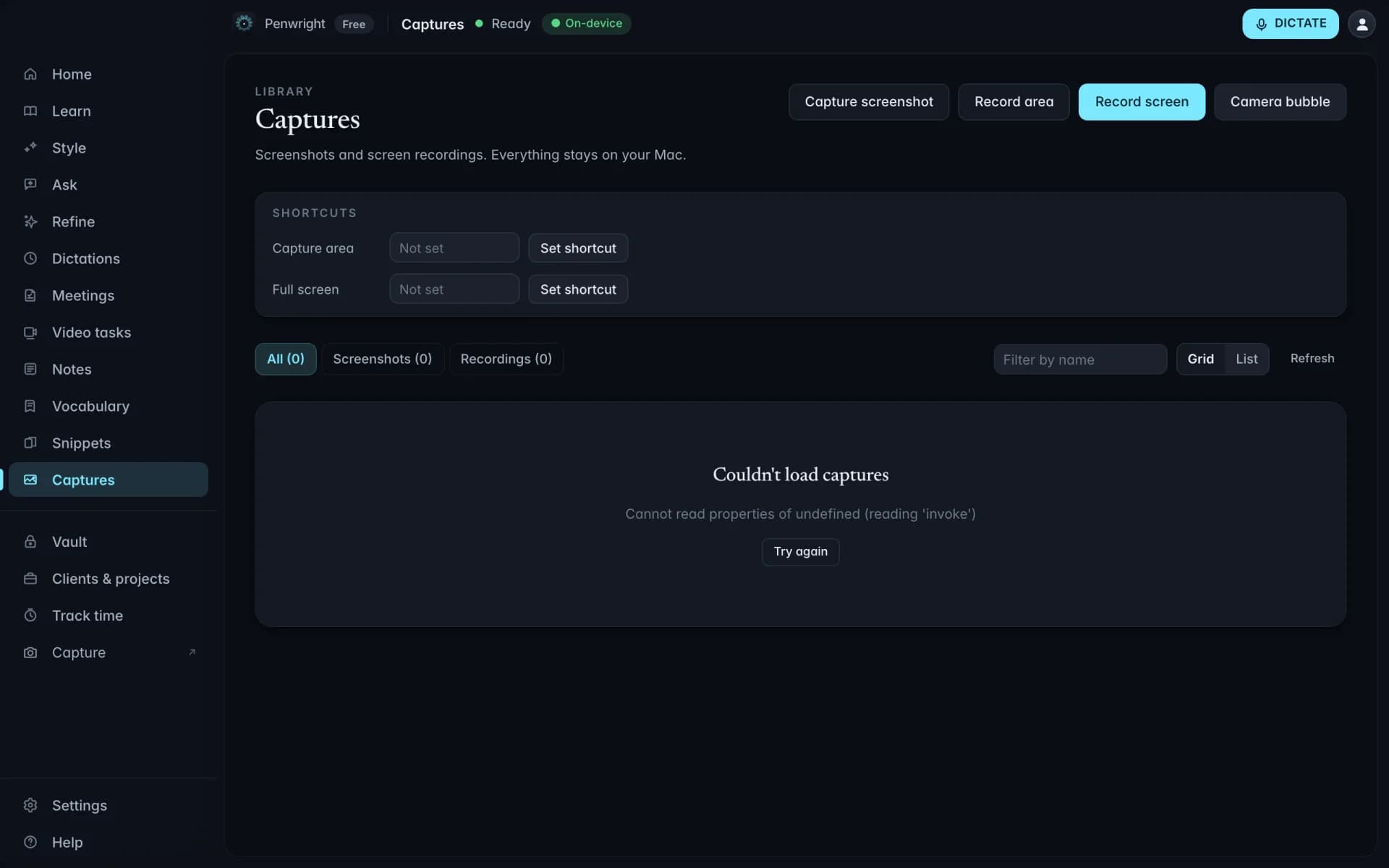
Screen, camera & screenshots
Record a window, a whole display or your camera in a floating bubble, and talk while you do it. Take a screenshot and mark it up before you send it. Everything lands in your own folder as normal files.
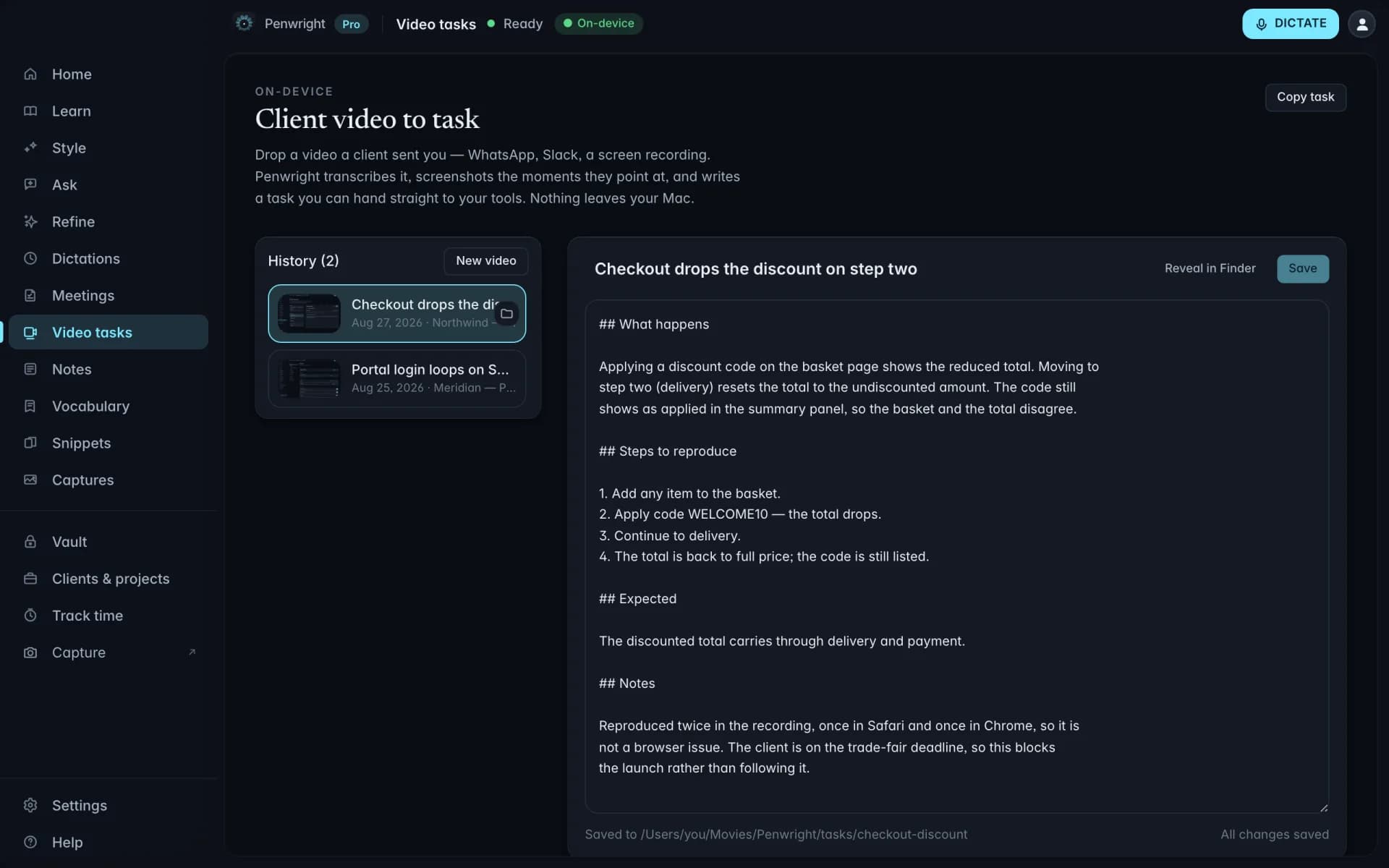
Video to written task
A client walks through what they want changed in a two-minute clip. Drop the file on Penwright and it transcribes the speech, picks the moments being pointed at, pulls those frames and writes the task. Nobody has to sit through the video.
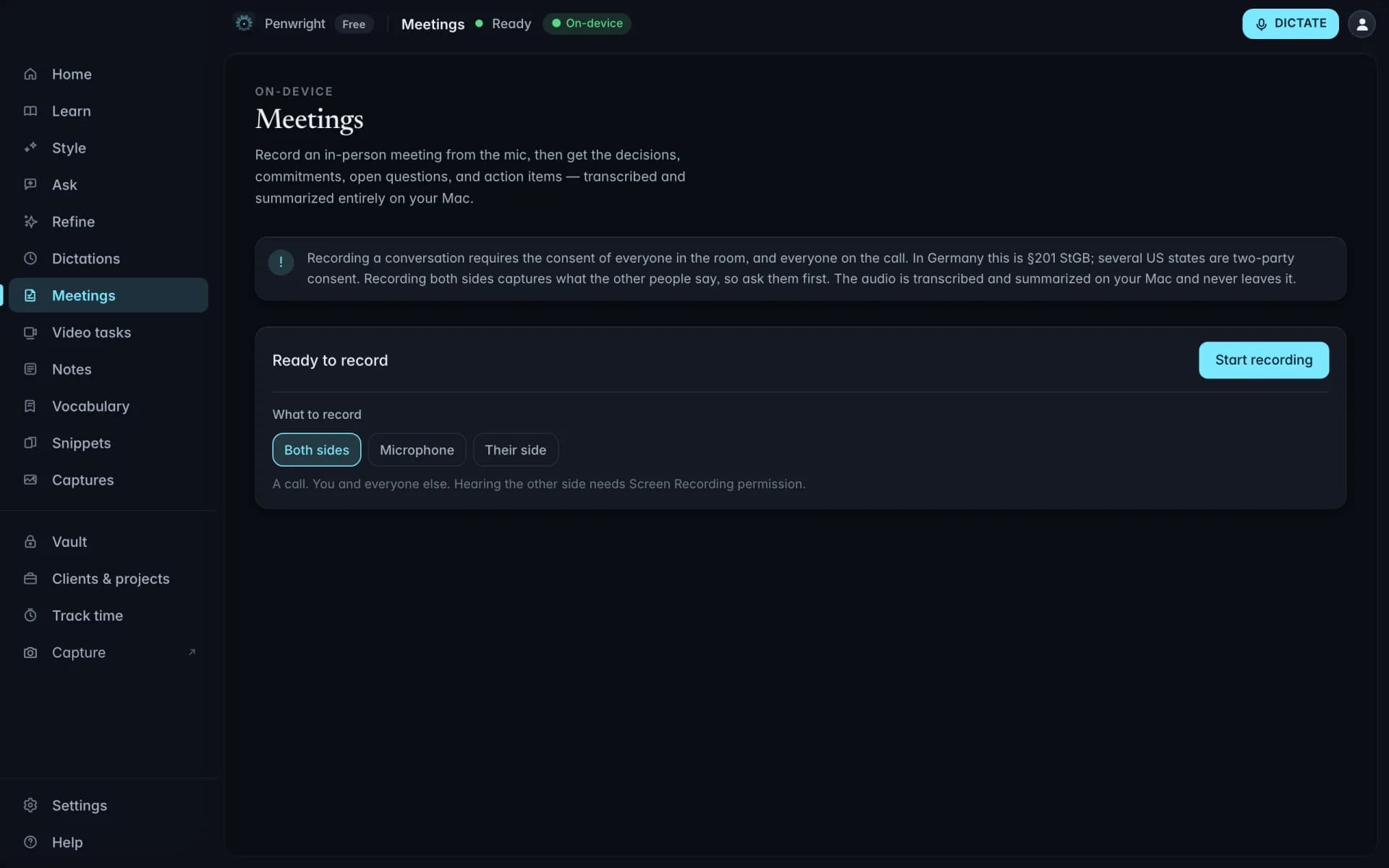
Meetings
Record a room or call. Penwright captures both sides, separates the speakers and turns the conversation into decisions, owners, open questions and next steps, without a bot joining the meeting.
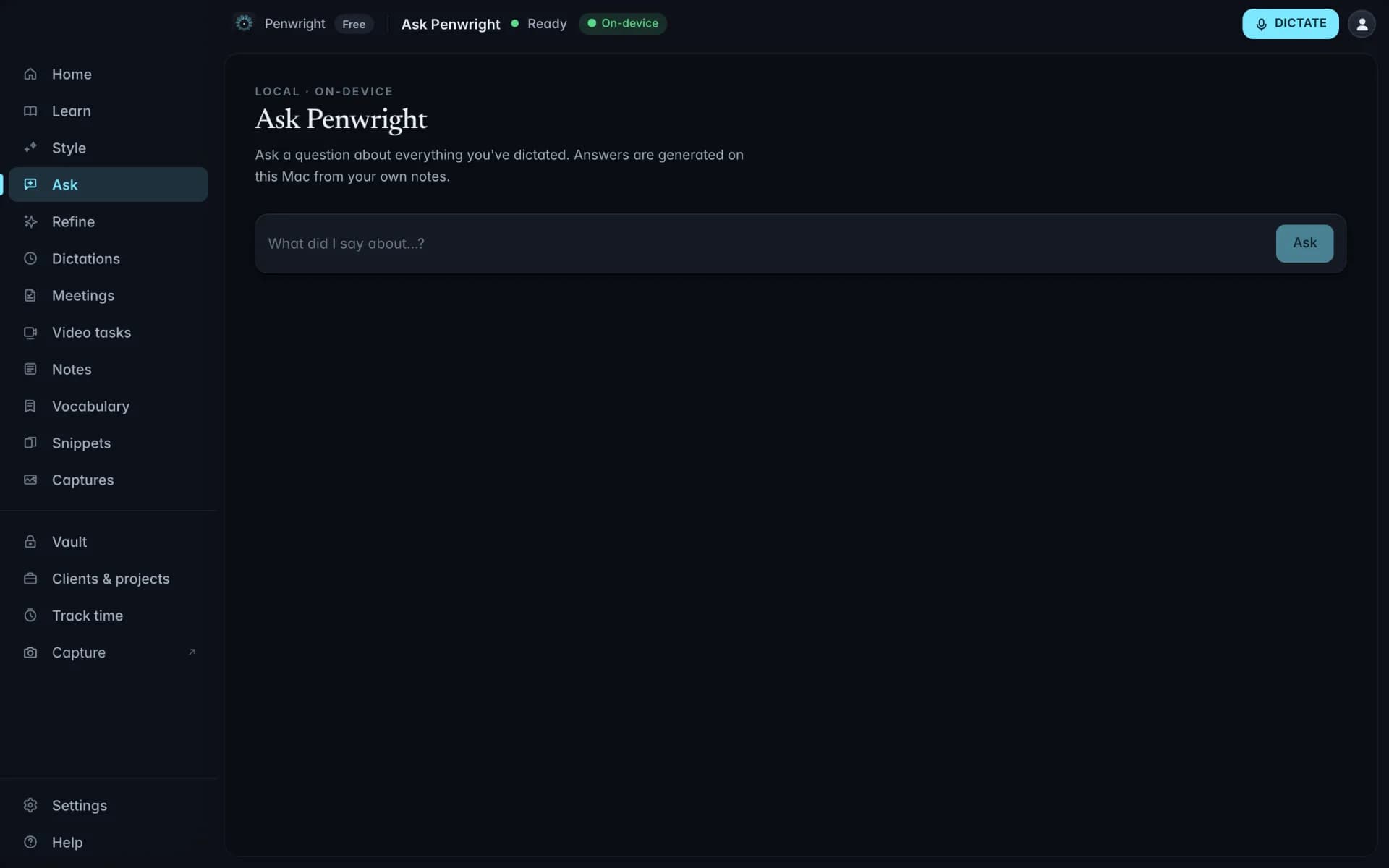
Recall
Every dictation, note and meeting becomes locally searchable. Ask "What did we promise Acme?" or "What did I say about the deadline?" and get an answer from your own work, not the web.
Voice time tracking
Say "Log two hours for Acme, API work." Penwright files the time against the correct client and project with the description needed for invoicing.
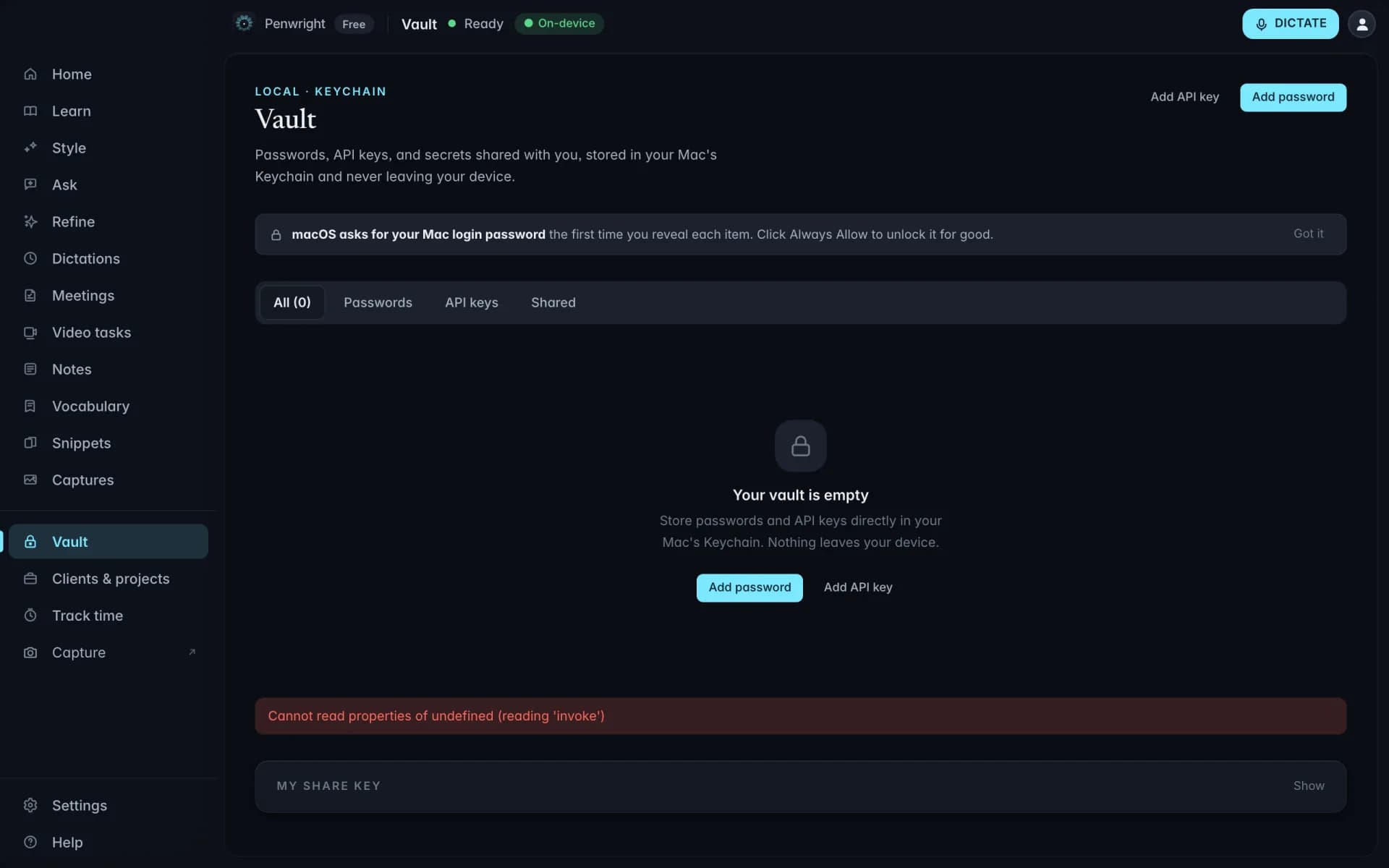
Vault
Store API keys, licence codes and passwords in an encrypted local vault. Share a secret end-to-end with a teammate, or ask for it by voice and insert it where your cursor is.
Dictation, meeting notes, screen capture, recall, credentials, ideas and time tracking, built into one app, powered by one local AI layer and covered by one subscription.
Speak into any text field. Penwright removes fillers, fixes the structure and inserts polished text.
Capture a thought the moment it appears. Penwright turns it into a usable note or clear next steps.
Search your dictations, notes and meetings in plain language. Answers come from your own work.
Store credentials locally and share selected secrets with end-to-end encryption.
Record both sides of a call and leave with decisions, owners and action items already written.
Capture screenshots or recordings, narrate what matters and turn a video into a written task.
Say the client, duration and work. Penwright creates the time entry and keeps it ready for invoicing.
Nobody uses all of it. Find your role and see the four or five things that actually come up in your day.
Penwright does not need your spoken content to provide the product. Audio, transcripts and local indexes stay on your Mac, and you can verify the network traffic yourself.
Dictation, transcripts, meeting audio and local indexes are processed and stored on your machine.
Included at launchPenwright's servers handle accounts, licences and billing, not the audio or transcripts you create on your Mac.
Included at launchThe Penwright API has no route for your dictation audio or transcripts. A server cannot leak content it never receives.
Included at launchUse any network monitor you trust. The security page documents the traffic you should, and should not, see.
Included at launchCompare where your data is processed, what the product can do beyond transcription and what it costs.
| Capability | Penwright | Cloud dictation apps | Local dictation apps | Built-in macOS dictation |
|---|---|---|---|---|
| Where audio is processed | On your Mac | On someone else's servers | On your Mac | On your Mac* |
| Cleanup, fillers and self-corrections | ✓ | ✓ | ✓ | – |
| Meetings, capture, recall and encrypted vault | ✓ | – | – | – |
| Custom vocabulary and spoken snippets | ✓ | ✓ | Partial | – |
| Team billing and seat management | ✓ | Partial | – | – |
| Optional bring-your-own cloud model | ✓ | – | Partial | – |
| Starting price | €9/mo · Team €12/seat | From ~$12/mo | Subscription or one-time | Free |
*macOS processing depends on the user's device and settings. This is a category-level comparison; features and prices vary by vendor. See the detailed comparison pages for sources and review dates. Compare Penwright in detail
"Employee audio and transcripts are processed on the Mac and are not sent to Penwright." That is the architecture, not a policy promise. Team plans add seat management, central billing and one invoice. The app itself is the same one Pro gets.
Estimate the value of time spent writing emails, documents, prompts, messages and administrative work.
Emails, docs, prompts, chats. All of it counts.
If you don't bill hourly, use a fair estimate.
Estimate only. Actual time saved depends on how much typing Penwright replaces in your workflow.