Personal dictionary
Add your team's vocabulary once. Penwright gets it right every time after that, codenames, last names, library names, internal acronyms.
Add: 'Kestrel' • Replace: 'Kestral' with 'Kestrel'
Four things that matter for your role.
Speak the explanation, get a tone-matched reply. Customers feel heard, not auto-responded to.
um yeah so the launch is going well and we shipped on monday and the numbers look ok
The launch is going well. We shipped on Monday and the numbers look solid.
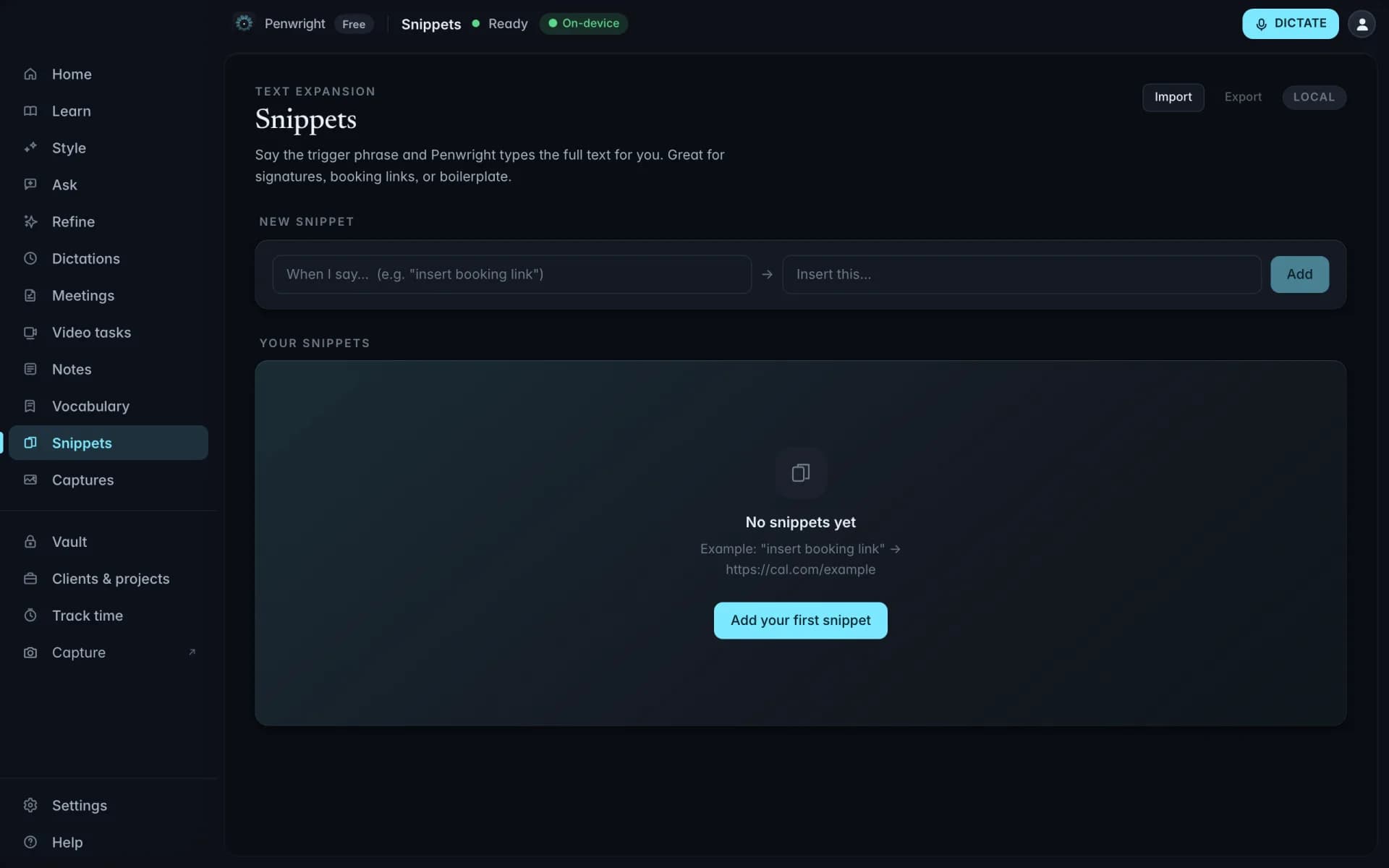
Common reply? Trigger it with a voice snippet. Personalize the variable bits by speaking them.
Customer PII never leaves the Mac. Helpful for GDPR-tight orgs.
Anywhere a support agent types, Penwright types.
Dictionary, snippets, multilingual, all local.
Add your team's vocabulary once. Penwright gets it right every time after that, codenames, last names, library names, internal acronyms.
Trigger a saved block of text by saying a phrase. The expanded version comes out polished, and the variables stay yours to fill.
Whisper transcribes 99 languages, auto-detected while you speak. English and German get first-class cleanup. All of it runs on your Mac.
Penwright does not need your spoken content to provide the product. Audio, transcripts and local indexes stay on your Mac, and you can verify the network traffic yourself.
Dictation, transcripts, meeting audio and local indexes are processed and stored on your machine.
Included at launchPenwright's servers handle accounts, licences and billing, not the audio or transcripts you create on your Mac.
Included at launchThe Penwright API has no route for your dictation audio or transcripts. A server cannot leak content it never receives.
Included at launchUse any network monitor you trust. The security page documents the traffic you should, and should not, see.
Included at launchSpeak the answer in your voice, send it in seconds. The customer hears a person, not a template.
Walk through the steps out loud. The escalation lands with everything engineering needs.
Trigger the snippet, then voice the customer-specific bit. Variable fields filled by speech.
Drop your numbers in and see what voice gives back.
Emails, docs, prompts, chats. All of it counts.
If you don't bill hourly, use a fair estimate.