Self-corrections resolved
Say "send it Tuesday, no, Wednesday" and you get Wednesday. The dead end is dropped, not transcribed.
Meaning is never invented
Cleanup edits what you said. It does not answer, expand or add facts you did not speak.
Off where it should be off
In a prompt box for ChatGPT or Claude, cleanup steps back so your instruction reaches the model exactly as spoken.
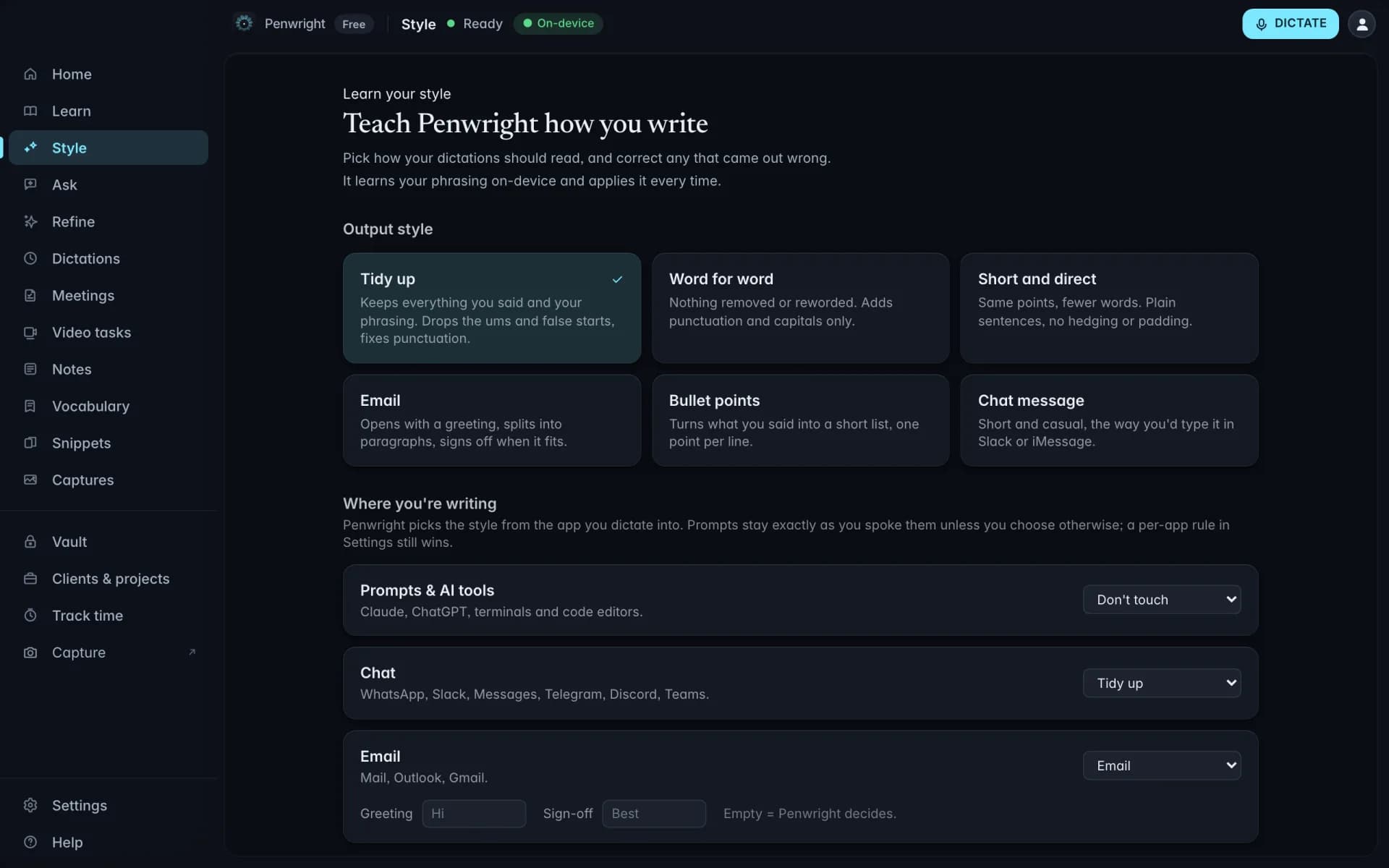
Full sentences in email, short lines in chat
The same sentence should not land the same way in a client email and a Slack thread. Penwright reads which app has focus and applies the style you set for it.
Destination aware. Email gets a greeting and full punctuation. Chat gets the point. Your prompt box gets left alone.
Your greeting, not a template. Set the opener you actually use so dictated email does not read like it came from a form.
Rewriting is opt-in. Heavier rewriting only happens when you ask for it. The default keeps your words.
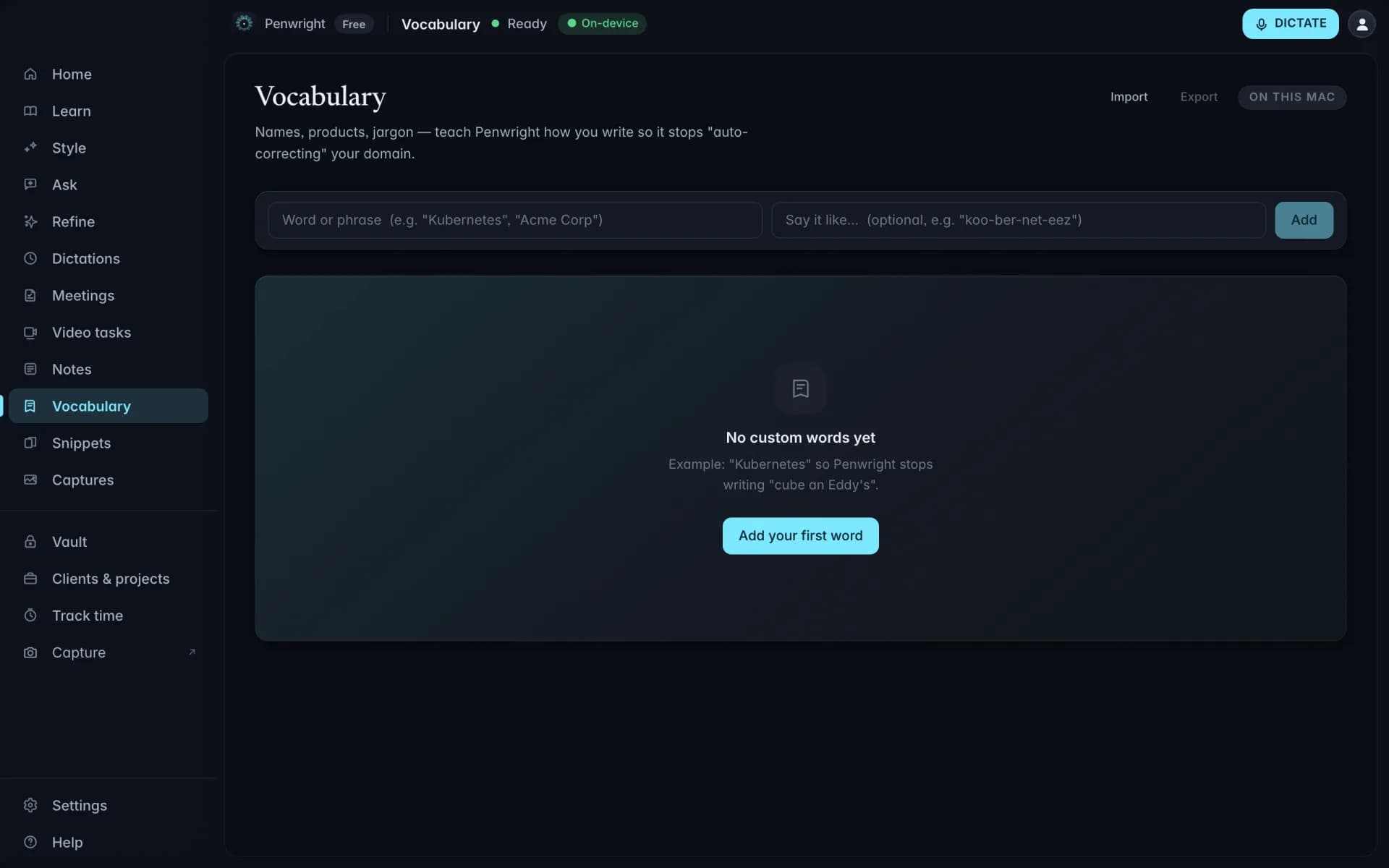
Your names, spelled your way, every time
Colleagues, clients, product names and acronyms are exactly the words generic dictation gets wrong. Add them once and the spelling stops being a negotiation.
Learns from corrections. Words you keep fixing get suggested for the list instead of waiting for you to add them by hand.
The saved spelling wins. Once a term is in your vocabulary, cleanup will not quietly normalise it back to the dictionary form.
Shared across a team. On the team plan, one shared list means the company glossary is spelled the same by everyone.
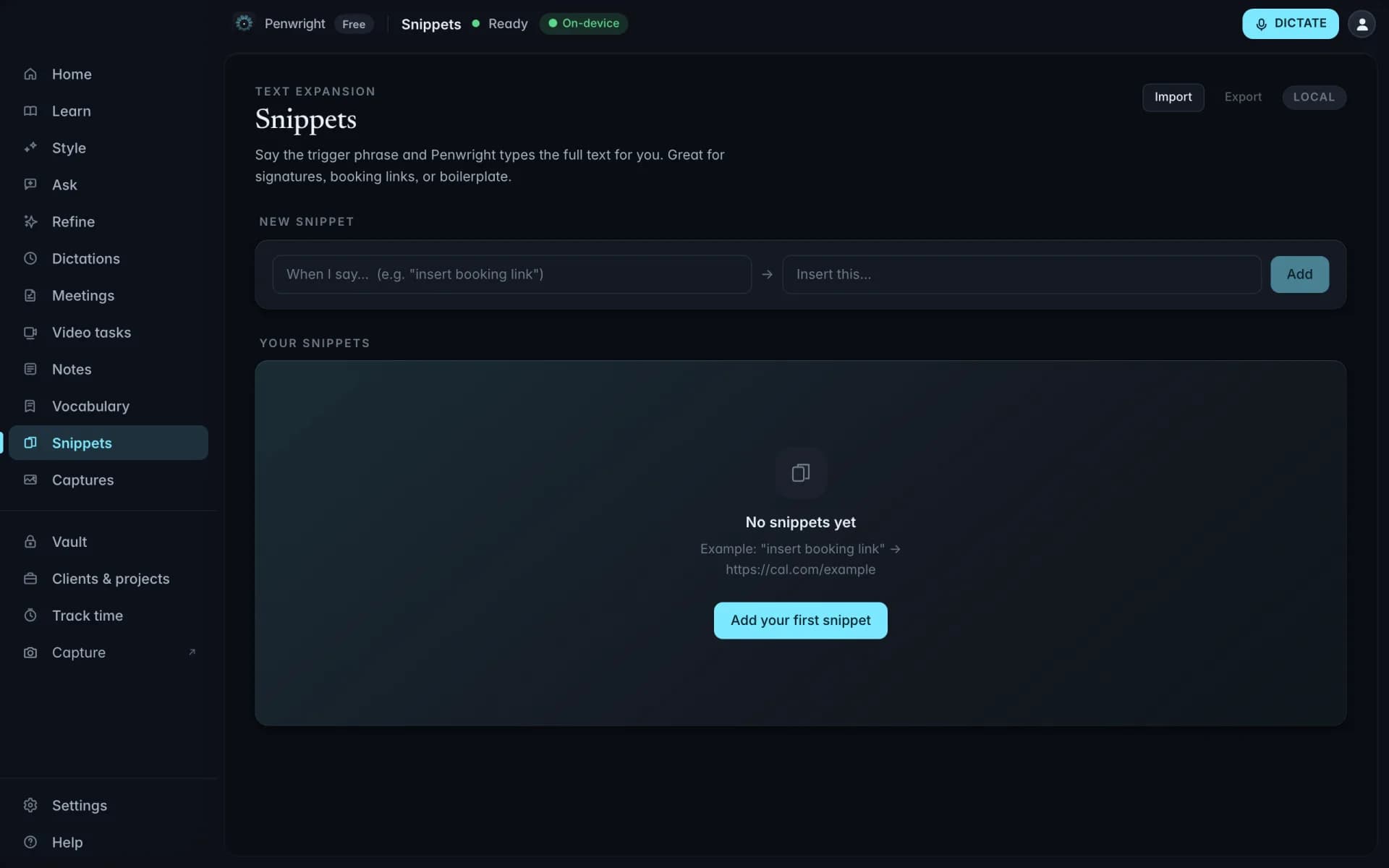
Say the trigger, get the whole paragraph
Booking links, addresses, standard answers and sign-offs, expanded from a phrase you speak.
Spoken, not typed. Unlike a text expander, the trigger is something you say, so it works while your hands are somewhere else.
Survives the cleanup. Expanded text is inserted as written. Cleanup does not paraphrase your legal footer.
Good for the boring parts. Invoice wording, onboarding replies, meeting links. The parts that are identical every time.
Reshape text you already wrote, by voice
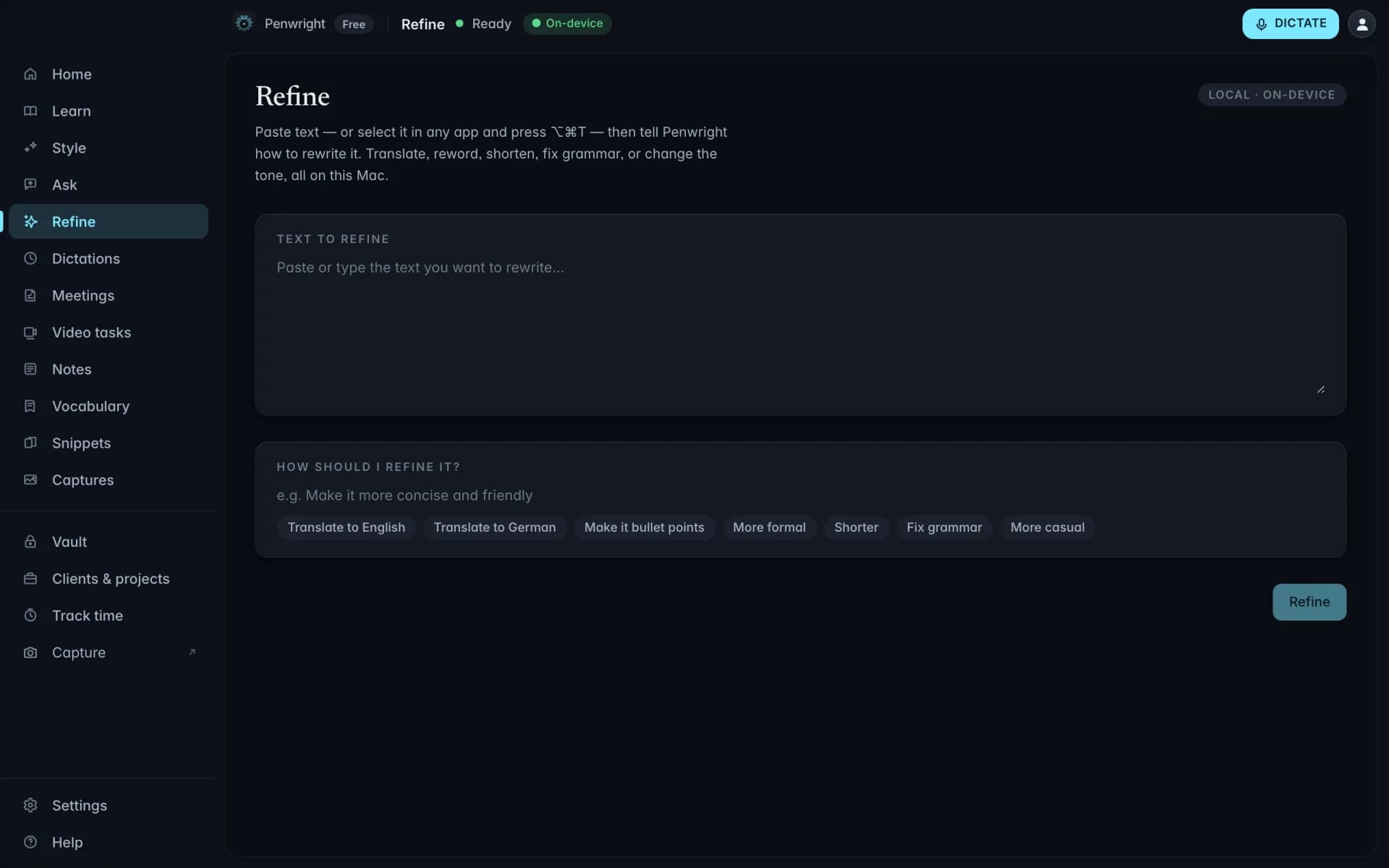
Select any text in any app and say what should change. Shorter. Warmer. In English. As bullets. The replacement goes back where the original was.
Works on anyone's text. It does not have to be text you dictated. Tighten a paragraph a colleague sent you.
Say it in plain language. No command syntax. "Make this two sentences and less apologetic" is a valid instruction.
Local by default. The rewrite runs on your Mac. If you want a bigger cloud model you supply your own key.
Nothing leaves your Mac
Transcription and cleanup run on your machine. The Penwright API only handles your account, subscription and licence. There is no endpoint that accepts text or audio.