Ask in plain language
"What did I tell the client about the deadline?" is a valid query. Answers come from your own dictation history.
Encrypted where it matters
Keys and credentials live in an encrypted local vault. Sharing one with a teammate is end-to-end encrypted.
Hours that get billed
Say "log two hours for Acme" and it lands on the right project with the right note, ready for the invoice.
Catch the thought before it is gone
The good idea arrives on a walk, in the shower queue of your head, between two meetings. Speak it into a note and deal with it later.
Faster than unlocking a phone. One shortcut, say the thing, it is written down. No app to find first.
Local only, never synced. Notes are saved to this Mac. Half-formed thinking is not something to hand to a server.
Searchable later. Notes join everything else you captured, so you can ask what you were thinking last month.
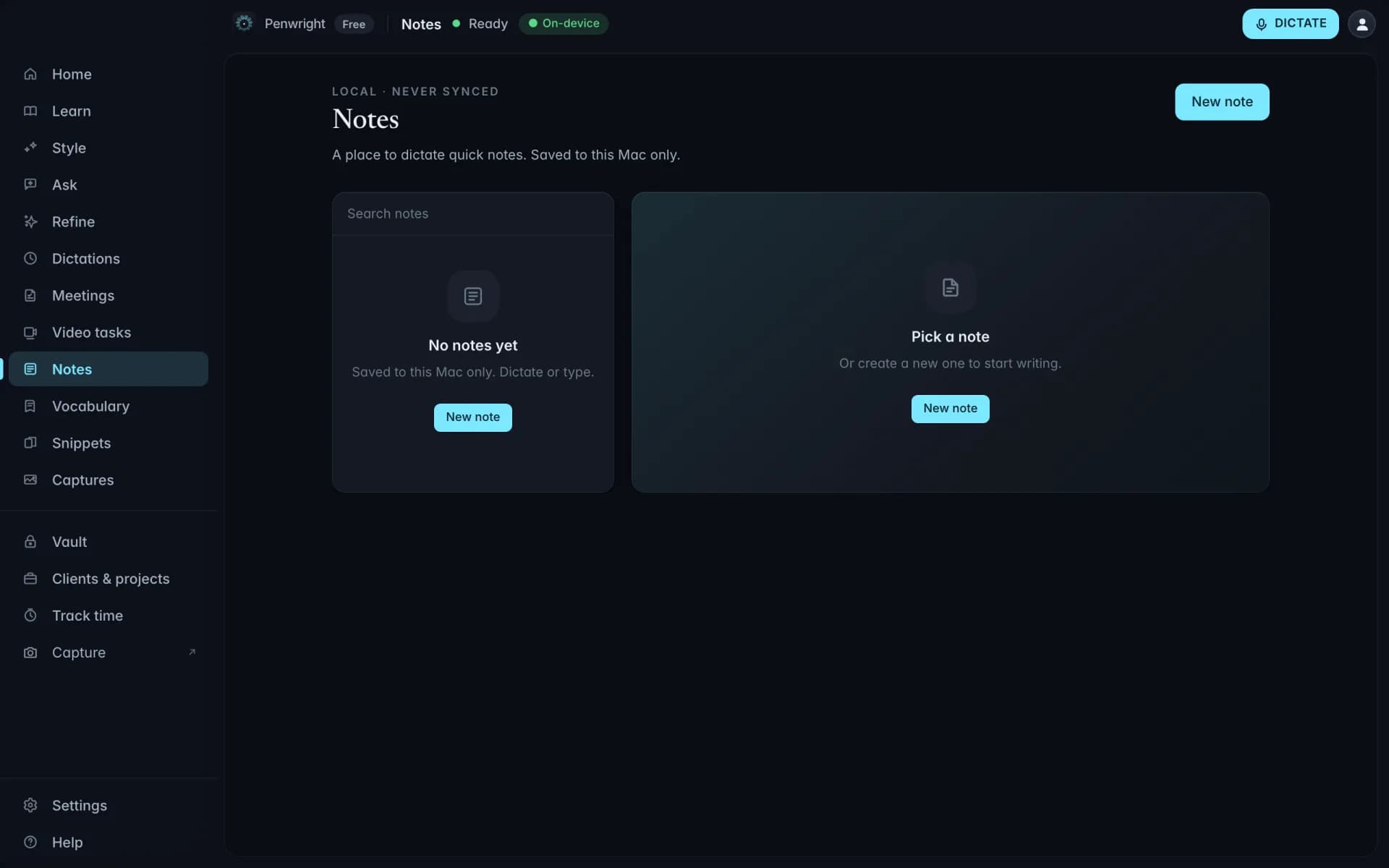
Ask what you said, weeks later
Everything you have dictated becomes something you can question. What did I tell the client about the deadline? What did I say on Tuesday? Answers are drawn from your own dictation history.
Your own words, not the web. Answers come from what you actually dictated, so there is nothing to hallucinate about your week.
Search by meaning. You do not need the exact phrase. Ask about the pricing conversation and it finds it.
Runs where the data is. The index and the model are both on your Mac. Asking a question does not ship your history anywhere.
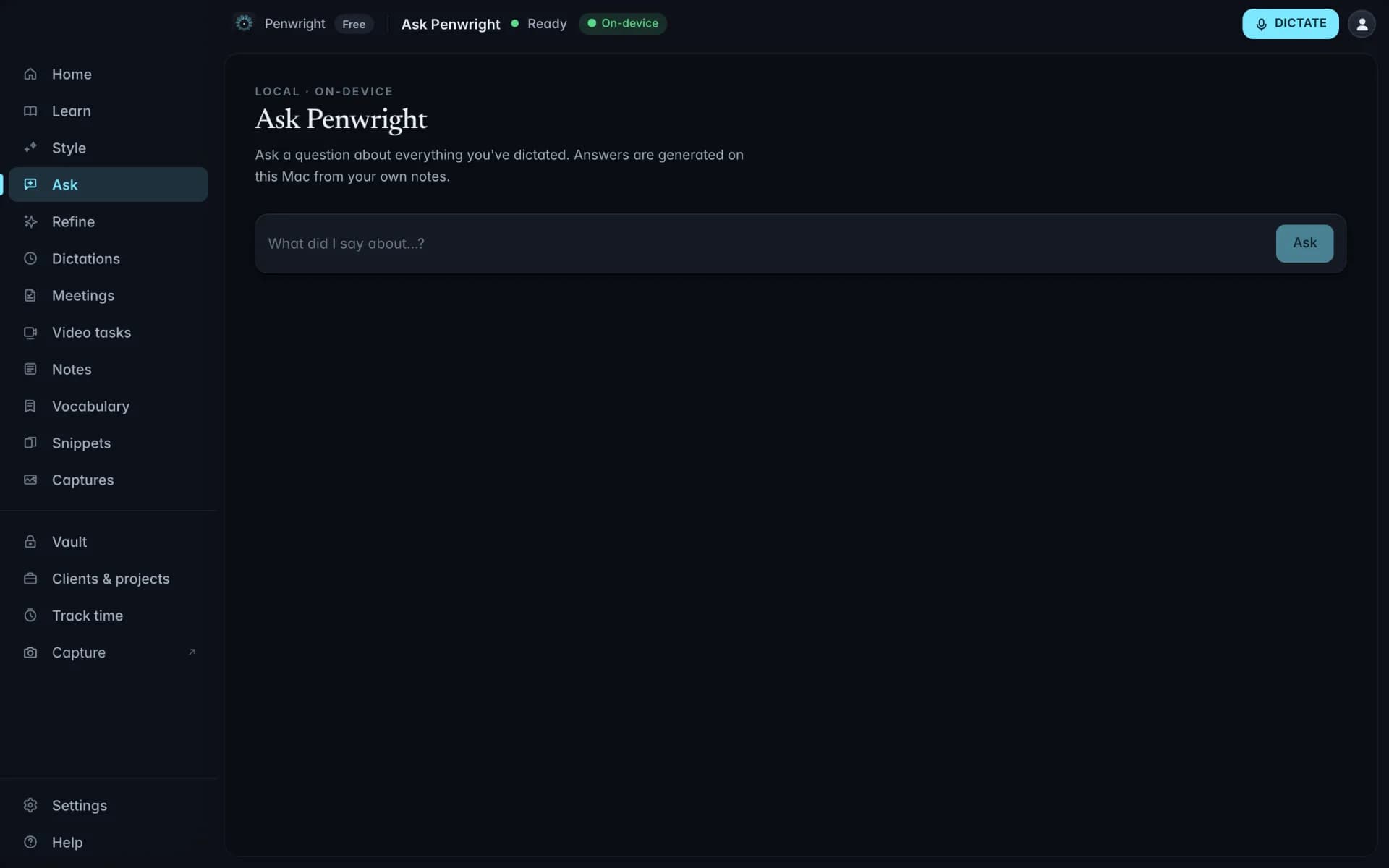
Keys and credentials, encrypted on your Mac
API keys, licence codes and the passwords you paste into terminals, kept in an encrypted local store. Sharing one with a teammate is end-to-end encrypted.
Encrypted at rest. The vault is encrypted on disk and unlocked on your machine, not on a server that holds everyone's secrets.
Sharing the relay cannot read. A shared item is encrypted for the recipient's key before it leaves. The relay only ever holds ciphertext.
Paste by voice. Ask for the staging key and it is inserted where your cursor is, without opening another app.
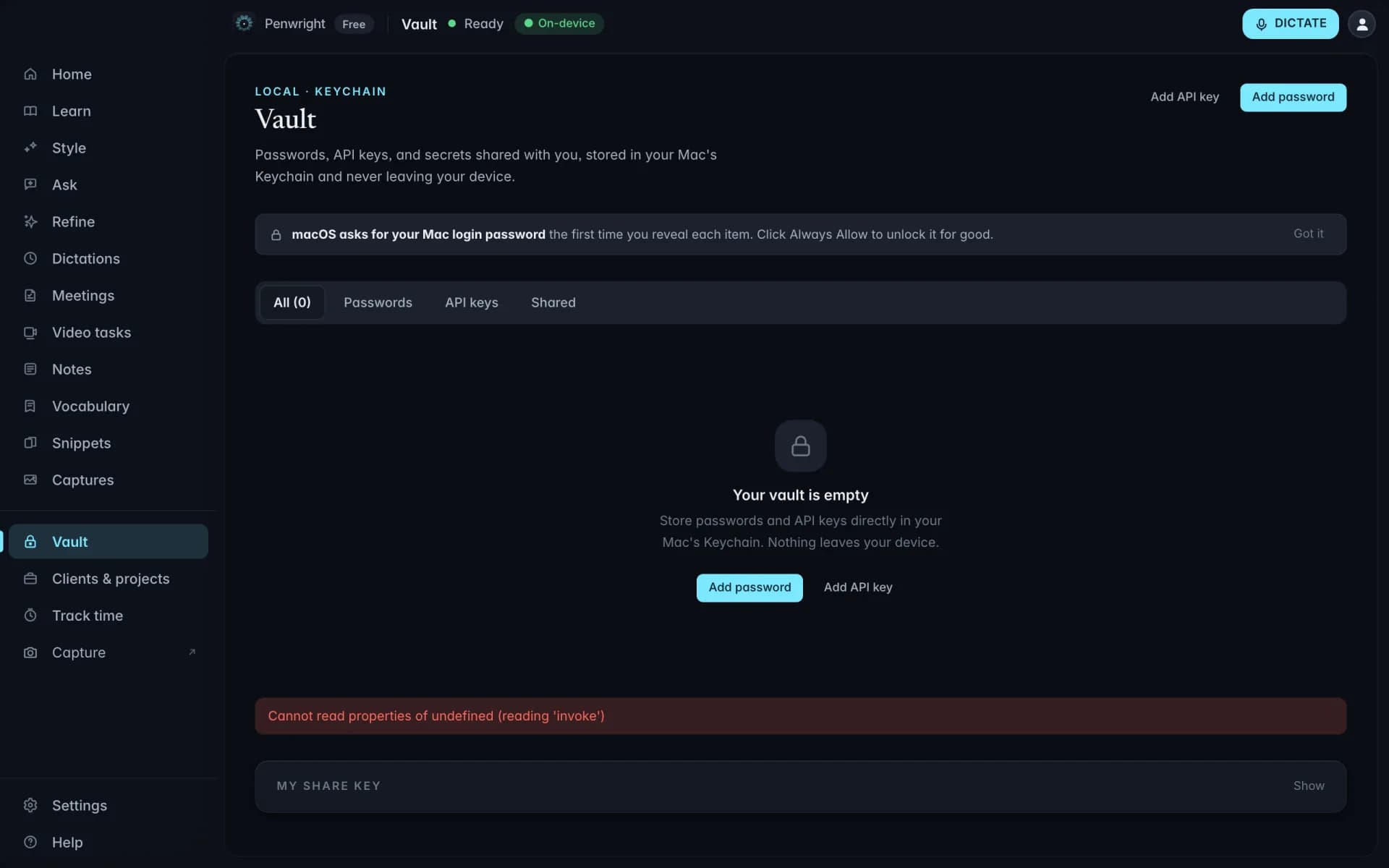
Work filed against the client it belongs to
Meeting notes attach to a project, and hours are booked against one by voice, so the end of the month is a report rather than an archaeology exercise.
Book hours by voice. Name the client when you log time and the entry lands on that project. Meeting notes are filed from a picker.
Notes and hours together. The work and the record of the work live in the same place, which is what invoicing actually needs.
Yours to export. It is a local database. Your client history is not held hostage by a subscription.
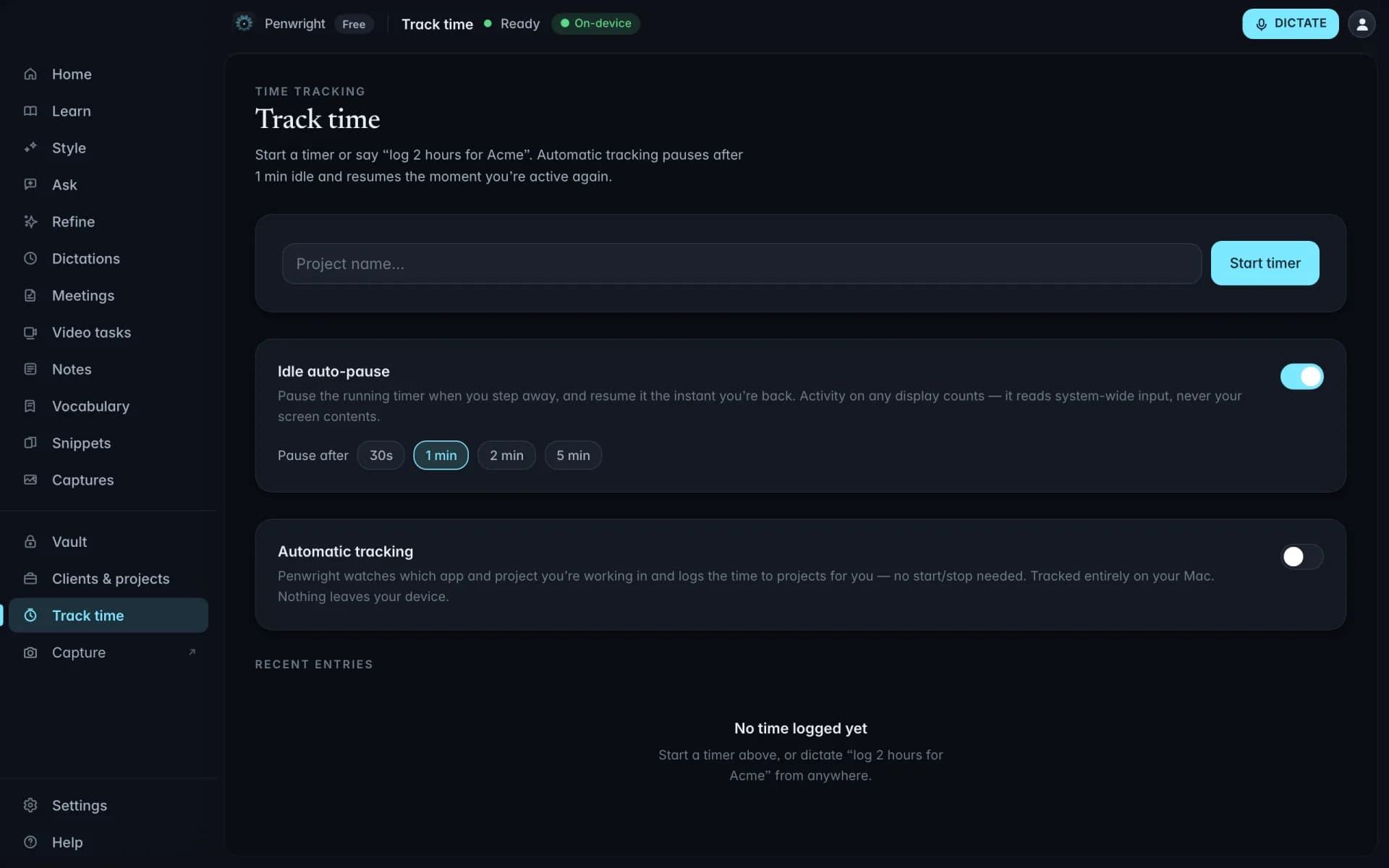
Log the hours by saying them out loud
"Log two hours for Acme, API work." It lands on the right project with the right note, which is the only version of time tracking anyone actually keeps up.
No timer to remember. Booking after the fact is fine. Most tracking fails because someone forgot to press start.
Ready to invoice. Hours sit against the client with the note that explains them, so the invoice writes itself.
Local, like the rest. Your hours are a file on your Mac, not a row in a time-tracking vendor's database.
Nothing leaves your Mac
Transcription and cleanup run on your machine. The Penwright API only handles your account, subscription and licence. There is no endpoint that accepts text or audio.