No bot joins the call
Nothing enters the meeting and nothing announces itself. Recording happens on your Mac, from the audio that is already playing there.
Structured, not a wall of text
You get the decisions and who owes what, rather than forty minutes of transcript to reread.
Consent is the rule
Recording others requires their consent. The app says so before you start, and German §201 StGB and two-party states are named directly.
Your microphone, their side, or both
Your voice comes from the microphone. The other side comes from the system audio, captured on your Mac. An online call is recorded whole, with no bot joining it and no plugin per meeting tool.
Two labelled tracks. Your side and theirs are recorded separately, so the transcript knows which side was talking. Owners of tasks are inferred from what was said.
Works with any call app. Zoom, Meet, Teams, a phone call through the Mac. If the audio plays on your Mac, it can be captured.
Dictation stays separate. Starting a dictation mid-meeting does not eat the recording. The two pipelines run side by side.
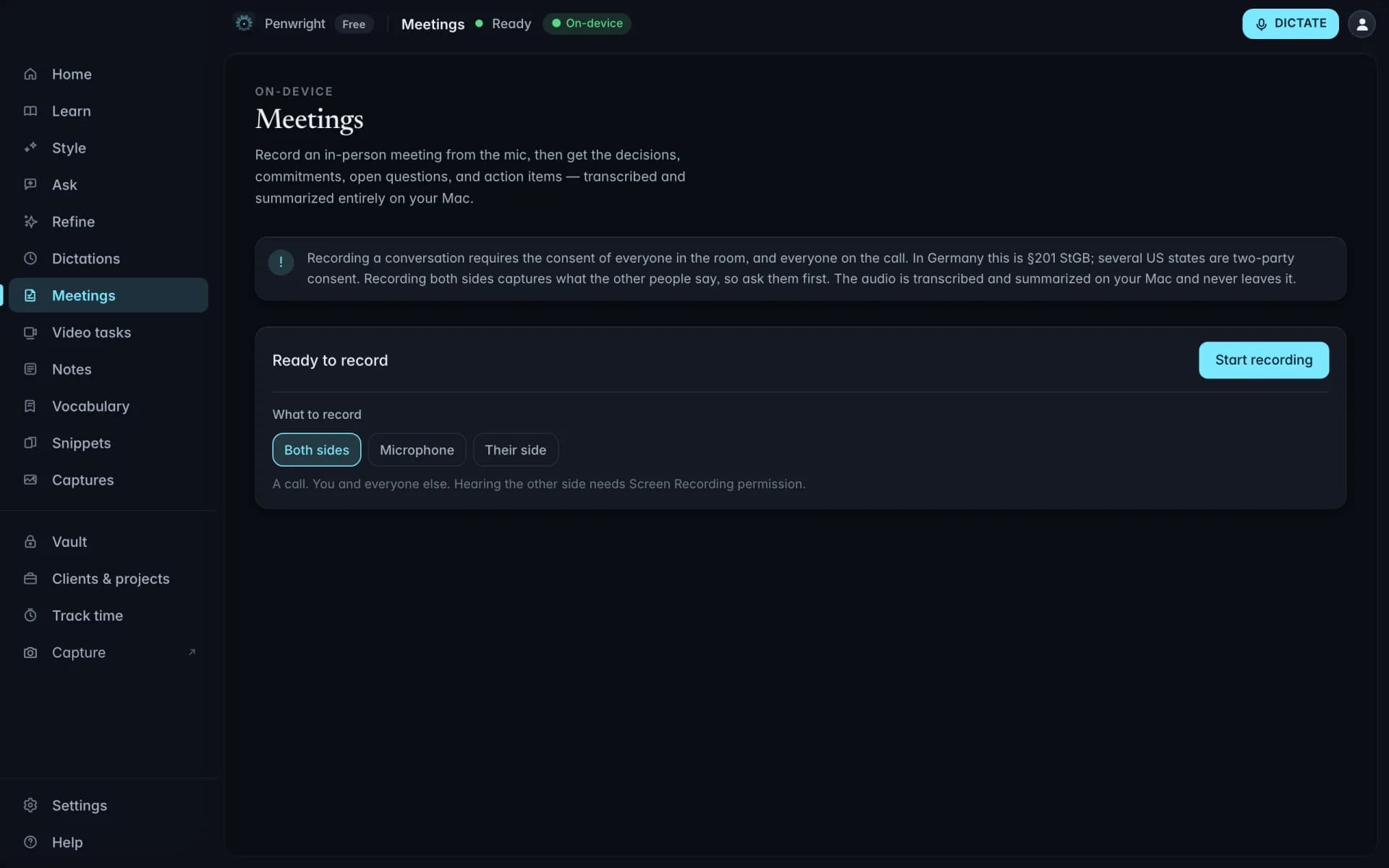
Decisions, owners and to-dos, written on your Mac
After the call, a local model turns the transcript into minutes: what was decided, who committed to what, what stayed open. The strongest model your Mac's memory can hold does the writing.
Four sections, not prose. Decisions, commitments, open questions and action items. The shape you would have typed up by hand.
In the meeting's language. A German meeting gets German minutes, an English one English. The language is detected, never guessed by the model.
The audio stays yours. Recordings live in a folder on your Mac with a retention limit you set. Nothing is retained on a server, because nothing reaches one.
Minutes land on the client they belong to
Attach a meeting to a client and project, and the notes sit next to the hours you tracked and everything else you captured for them.
Project context helps. A project brief tells the minutes who the people and products are, so names stop being guesses.
Ask about it later. Meetings join your local index, so "what did we agree with Acme in March" has an answer.
Ready for the invoice. Notes and hours in one place is what month-end billing actually needs.
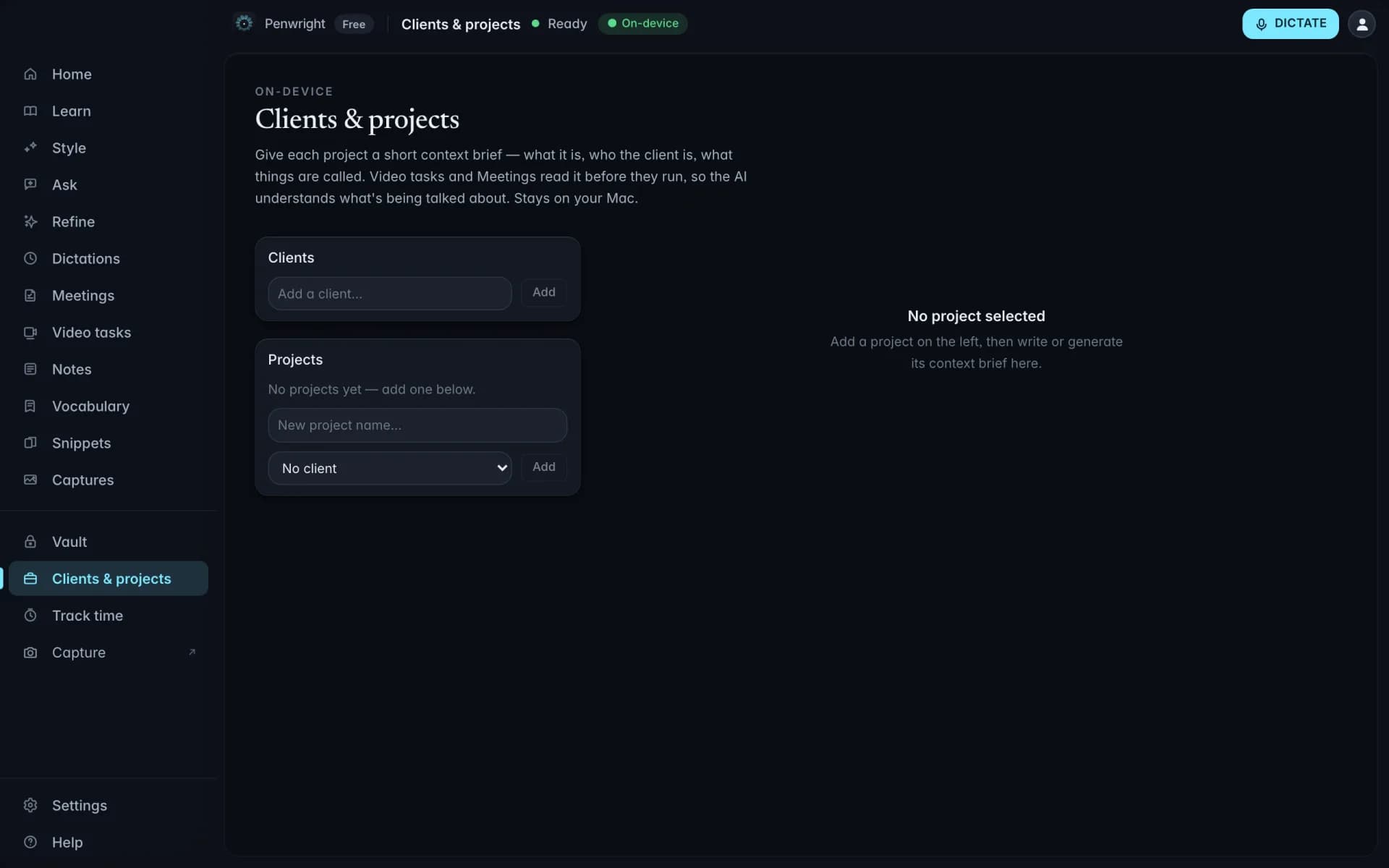
Nothing leaves your Mac
Transcription and cleanup run on your machine. The Penwright API only handles your account, subscription and licence. There is no endpoint that accepts text or audio.