Works in every app
Text is inserted through the accessibility API, with a clipboard paste as fallback. Apps we have never tested still work.
Toggle or push to talk
Tap the shortcut to start and stop, or hold it while you speak. Both are one hand, no window switching.
Nothing is uploaded
Transcription runs on-device with Metal acceleration. There is no server that receives your audio, because there is no audio endpoint at all.
Works wherever your cursor works
- Claude
- ChatGPT
- Cursor
- Slack
- Gmail
- Notion
- Linear
- GitHub
- Figma
- Google Docs
- Discord
- Obsidian
No plugins. No integrations. If an app has a text field, Penwright can write in it.
Product names and logos are trademarks of their respective owners. Penwright is not affiliated with or endorsed by them.
See what it heard while you are still talking
A small always-on-top bar shows the state of the dictation, and on notched Macs the live transcript sits under the notch where nothing covers it.
Never hidden. The bar floats over full-screen apps, so you can dictate into a maximised window and still see the state.
Uses the dead space. On MacBooks with a notch the transcript uses the black area beside the camera instead of covering your work.
Catch mistakes early. If a name came out wrong you see it before the text lands, and you can fix the spelling once in your vocabulary.
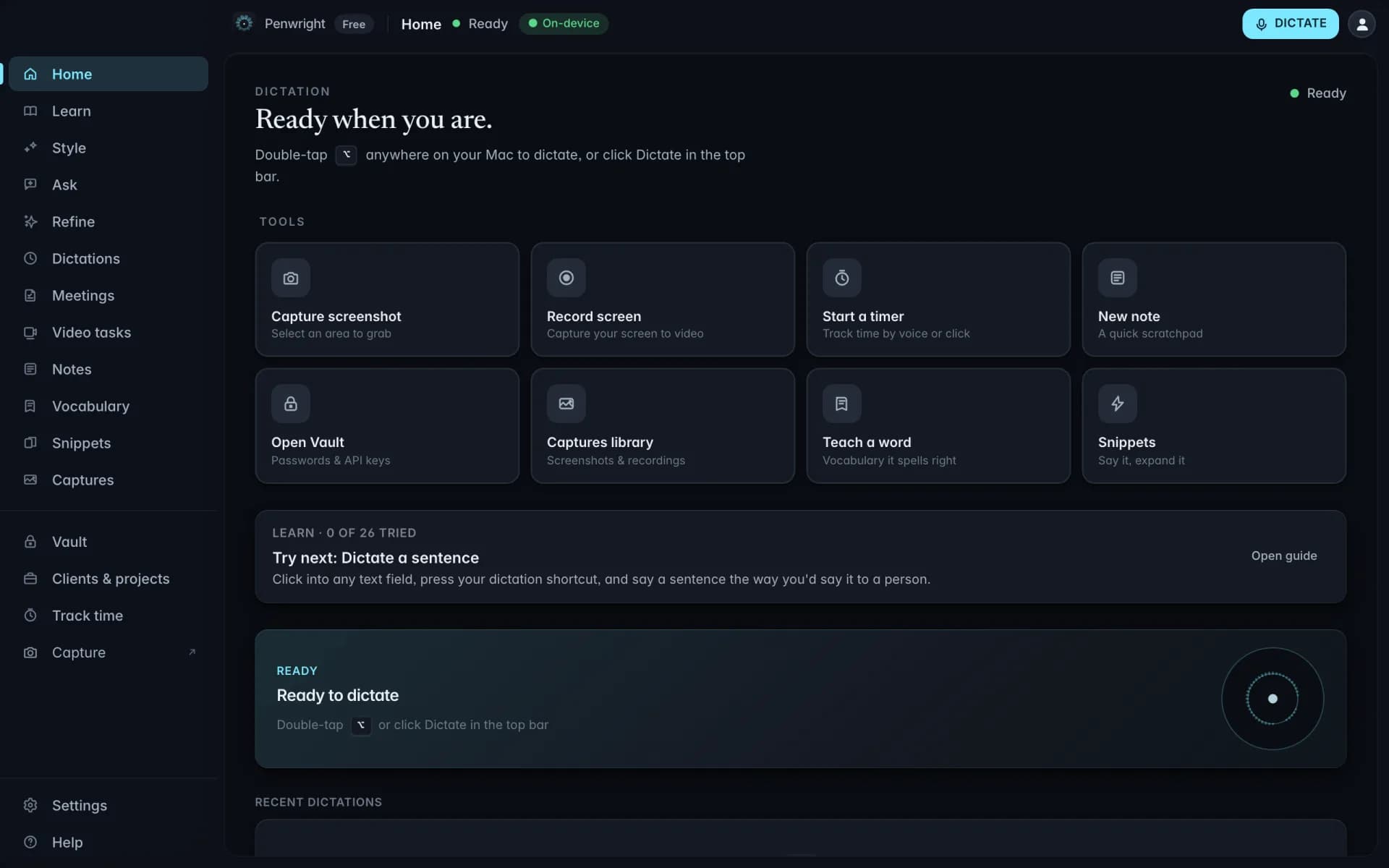
Start talking without leaving the keyboard
Use a global shortcut, or double-tap a modifier key you already rest your fingers on. Set it once in Settings and it works system-wide.
Double-tap a modifier. Two taps of Option starts dictation. No chord to remember, nothing to unlearn.
Your own combination. Record any shortcut you like. The default stays out of the way of the ones macOS already owns.
Per-mode behaviour. Choose toggle for long dictation and push-to-talk for short replies. Switch whenever the task changes.
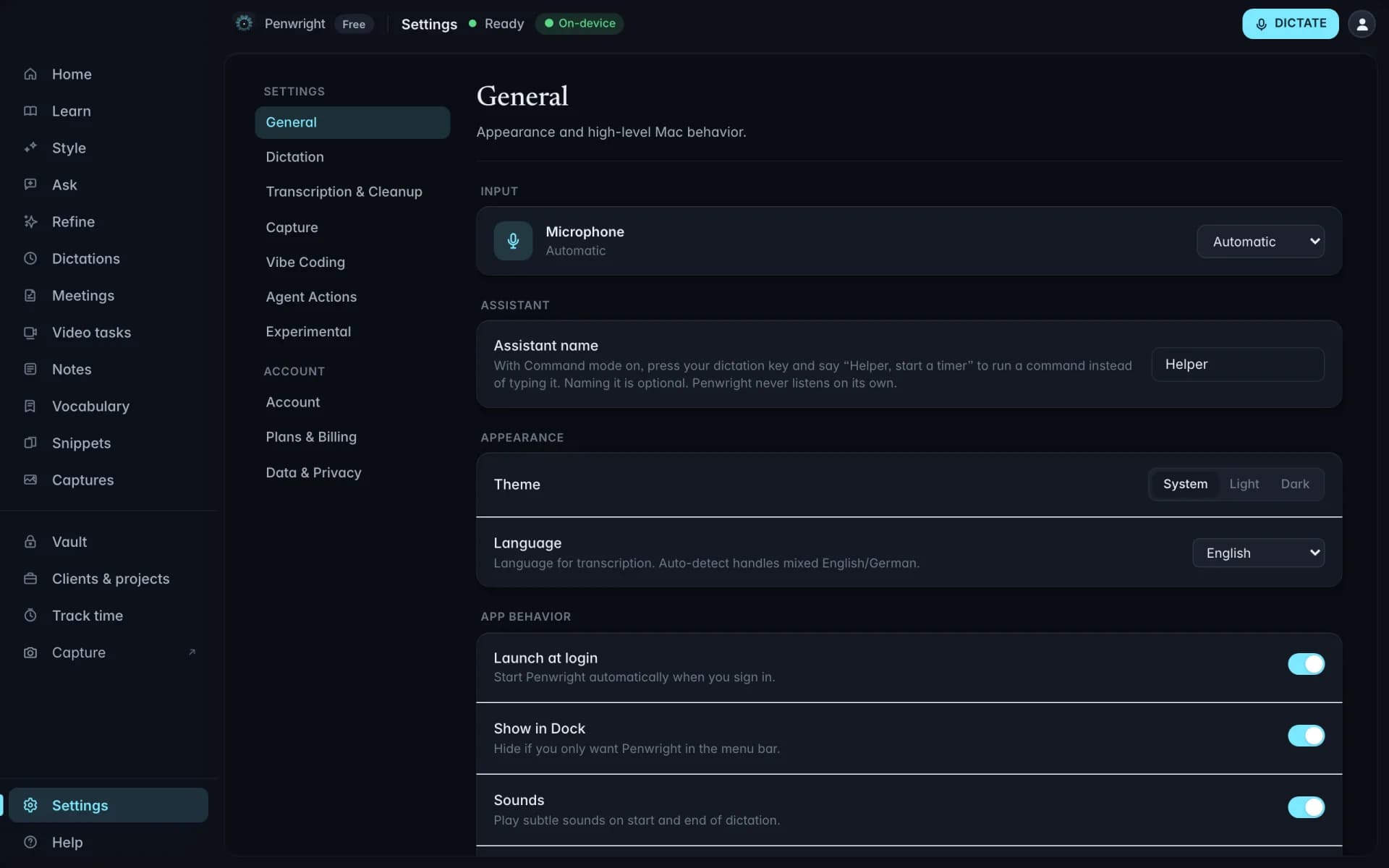
Teach it your voice and the words it keeps missing
Accents, product names and technical terms are where dictation usually falls apart. Penwright learns from the corrections you make instead of asking you to make them twice.
Correct once. Fix a misheard word and the spelling is remembered for every future dictation.
Flag what went wrong. Mark a misrecognition in place. It goes straight into the vocabulary rather than into a support ticket.
Stays on your Mac. Your voice profile and word list are local files. They are not training data for anyone else's model.
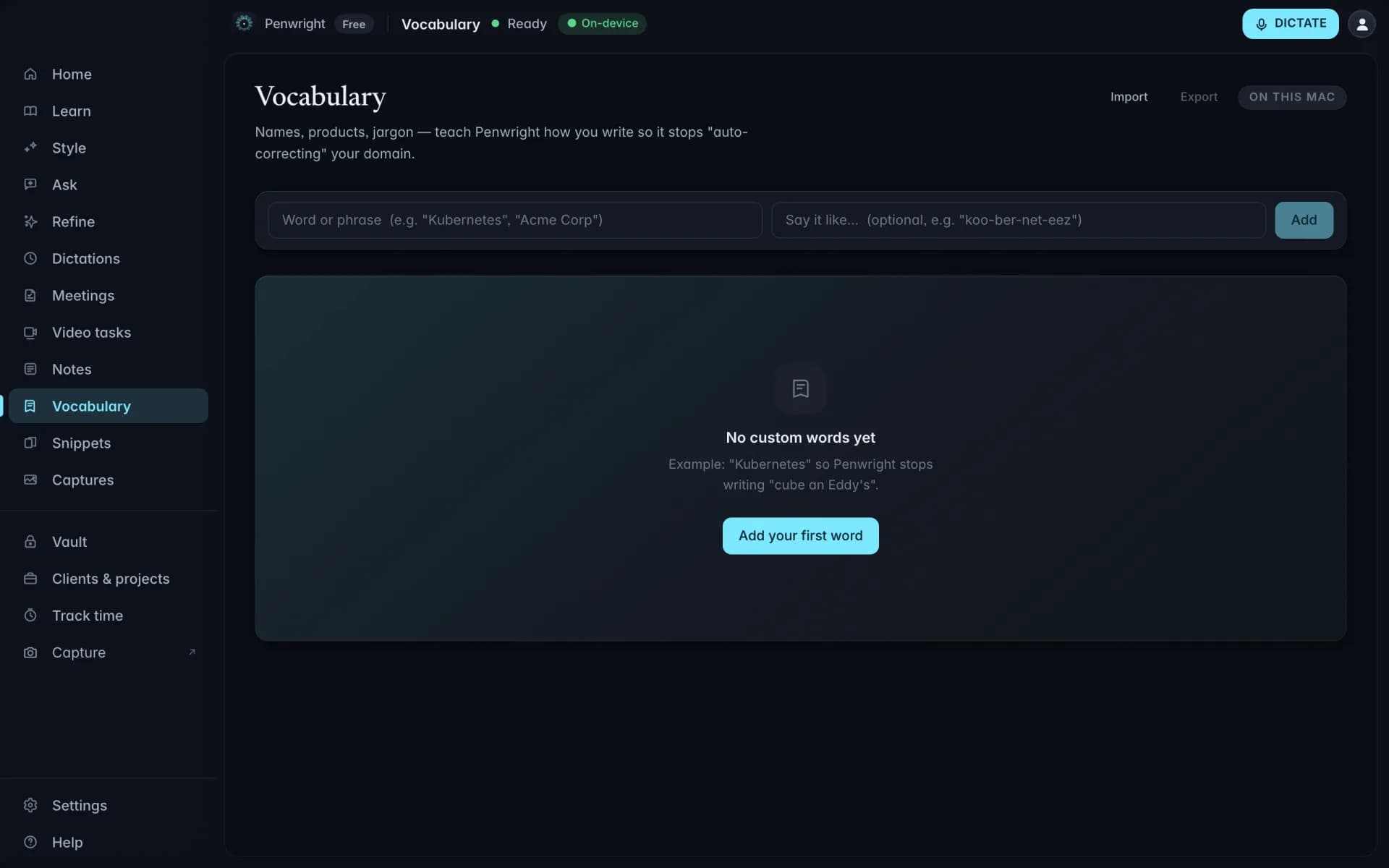
Nothing leaves your Mac
Transcription and cleanup run on your machine. The Penwright API only handles your account, subscription and licence. There is no endpoint that accepts text or audio.