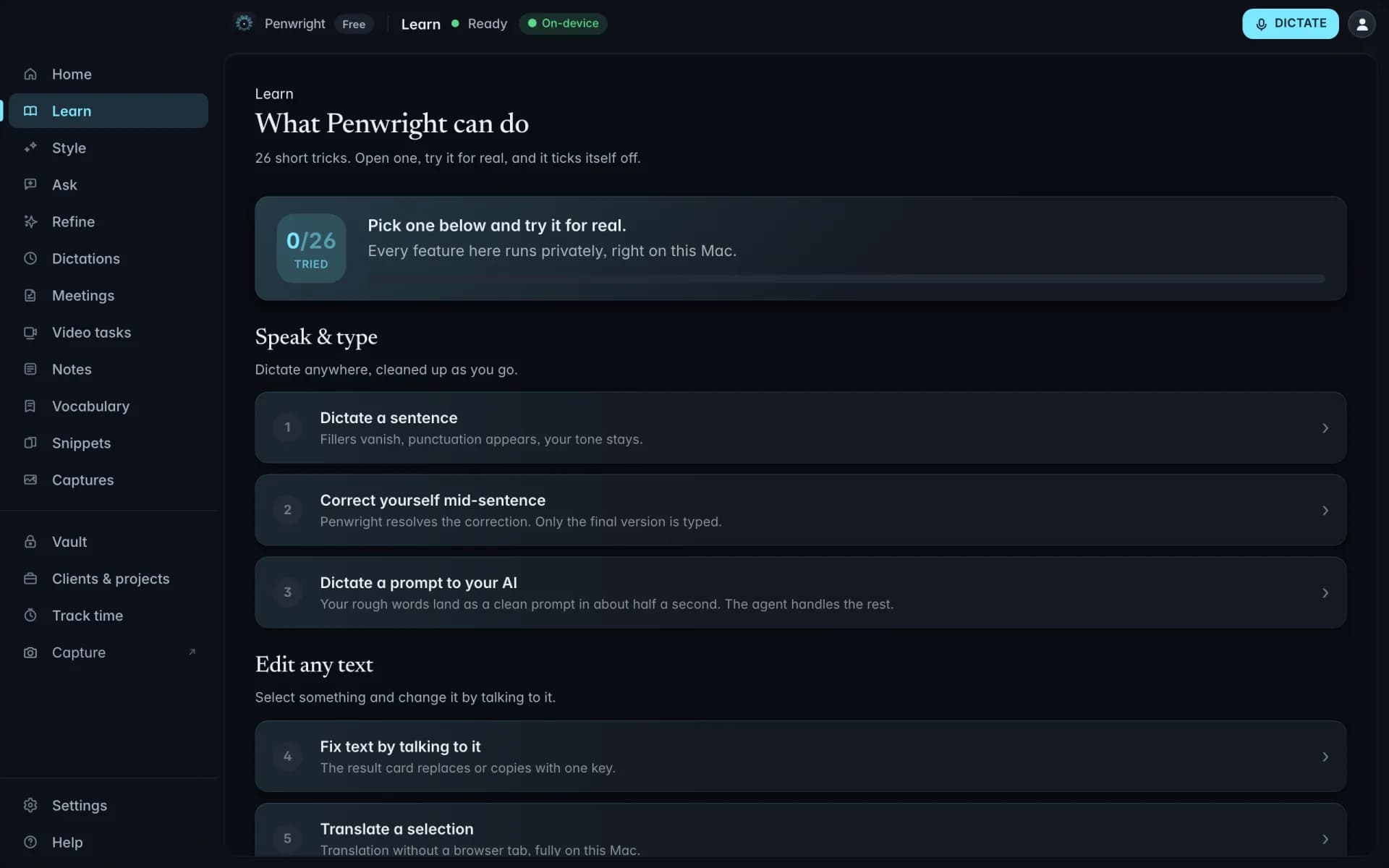
Personal dictionary
Add your team's vocabulary once. Penwright gets it right every time after that, codenames, last names, library names, internal acronyms.
Add: 'Kestrel' • Replace: 'Kestral' with 'Kestrel'
Four things that matter for your role.
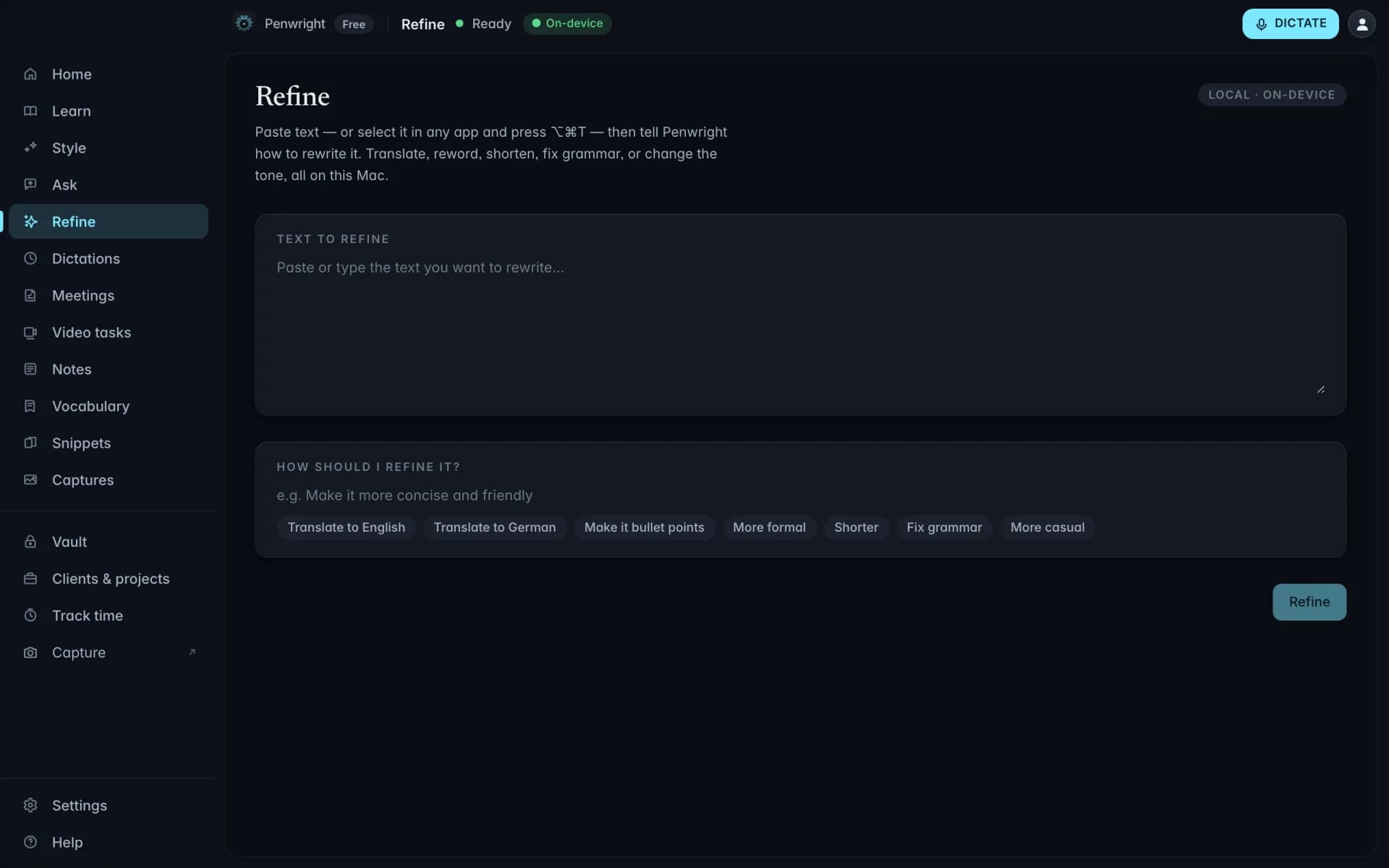
Talk through the argument. Penwright gives you a structured paragraph to start editing, not a blank page.
Your half-formed ideas never get logged on a server. No paper-mill detection database has your draft.
Whatever your professor wants you to use, Penwright types into it.
Drafting in a second language? Penwright transcribes 99 languages on-device.
Dictionary, snippets, multilingual, all local.
Add your team's vocabulary once. Penwright gets it right every time after that, codenames, last names, library names, internal acronyms.
Trigger a saved block of text by saying a phrase. The expanded version comes out polished, and the variables stay yours to fill.
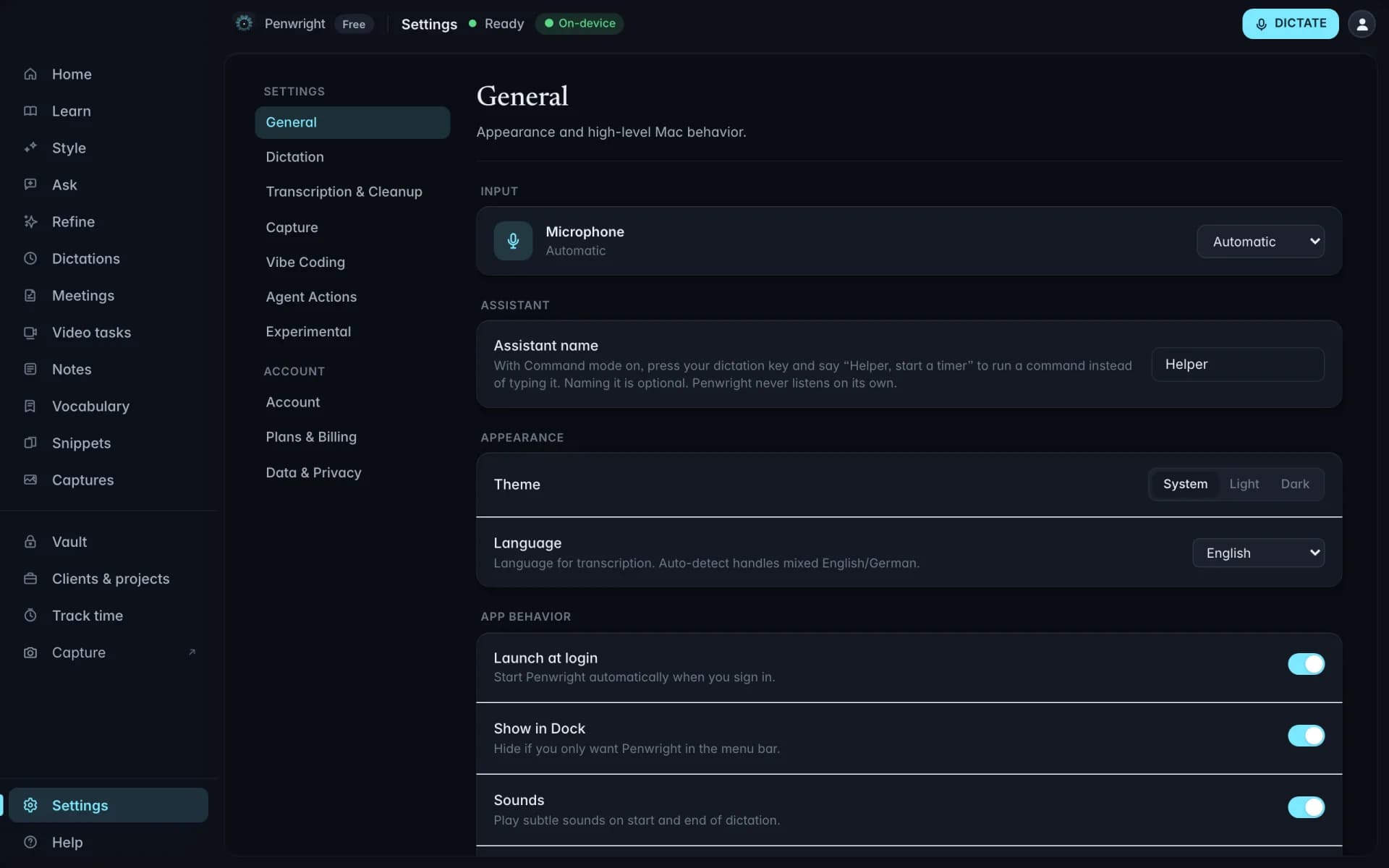
Whisper transcribes 99 languages, auto-detected while you speak. English and German get first-class cleanup. All of it runs on your Mac.
Penwright does not need your spoken content to provide the product. Audio, transcripts and local indexes stay on your Mac, and you can verify the network traffic yourself.
Dictation, transcripts, meeting audio and local indexes are processed and stored on your machine.
Included at launchPenwright's servers handle accounts, licences and billing, not the audio or transcripts you create on your Mac.
Included at launchThe Penwright API has no route for your dictation audio or transcripts. A server cannot leak content it never receives.
Included at launchUse any network monitor you trust. The security page documents the traffic you should, and should not, see.
Included at launchSpeak the synthesis between papers. Sit down to a structured paragraph, not a blank page.
Dictate the takeaways into Notion the moment class ends. The argument is still in your head.
Speak the rough answer, polish the prose. The deadline stops being the hard part.
Drop your numbers in and see what voice gives back.
Emails, docs, prompts, chats. All of it counts.
If you don't bill hourly, use a fair estimate.