Personal dictionary
Give Penwright the names, acronyms and product terms you use. Your saved spellings help guide dictation on your Mac.
Add: 'Kestrel' • Replace: 'Kestral' with 'Kestrel'
Four practical ways to turn spoken thinking into work you can review and use.
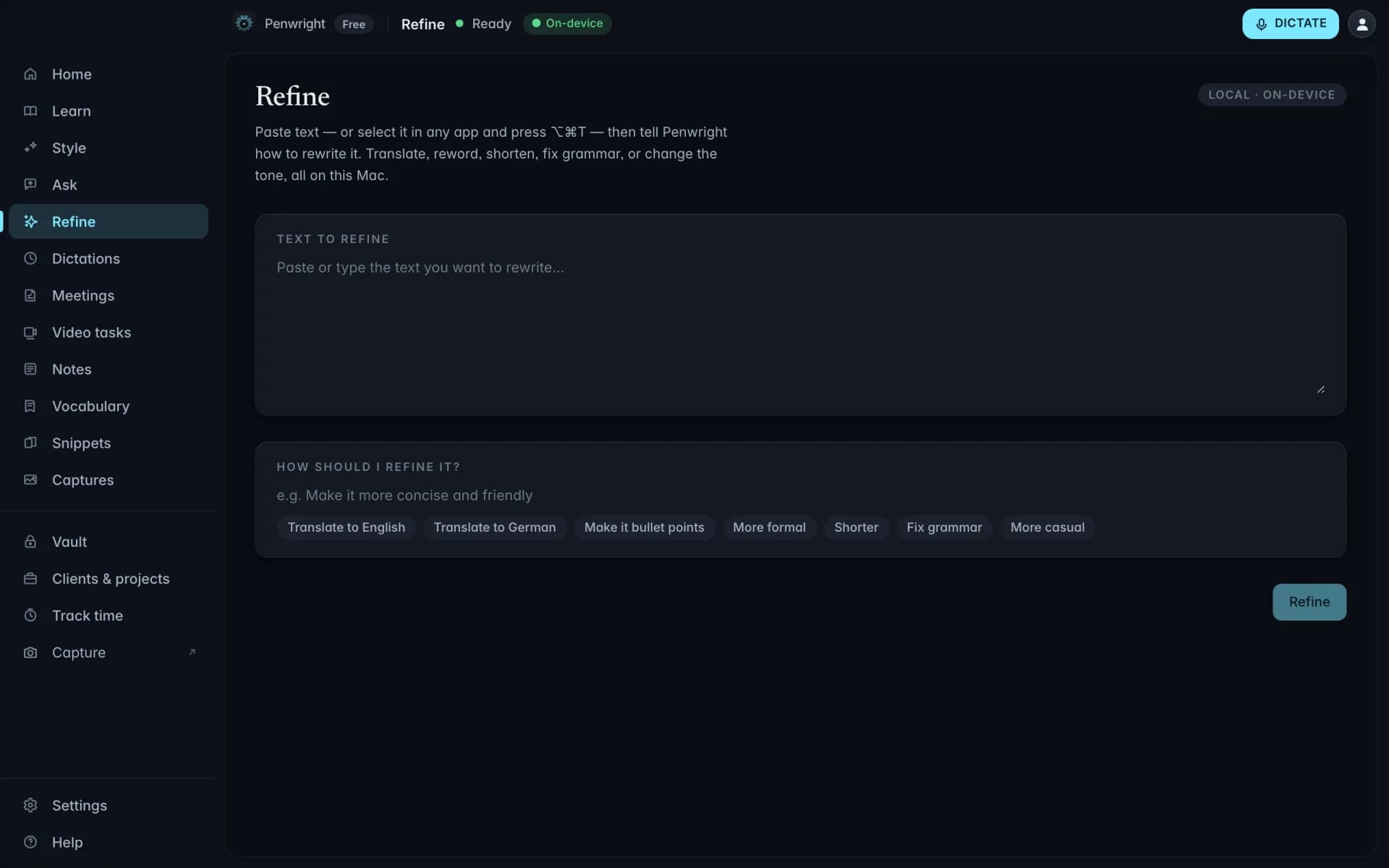
Bring in a recording and turn it into a task brief you can correct, structure, and paste into your existing workflow.
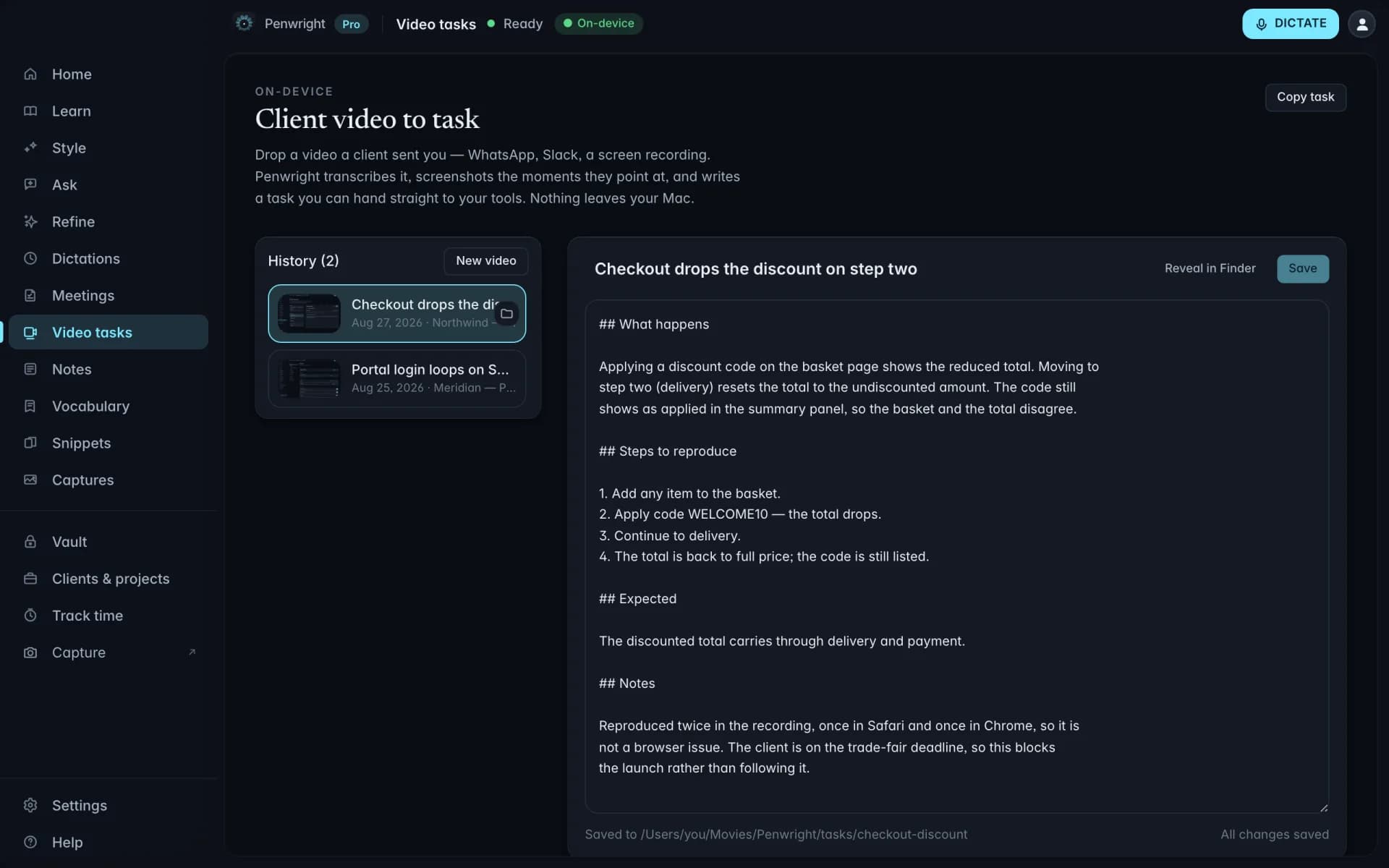
Add arrows, callouts, text, pen, or blur to make the important part of a screen obvious.
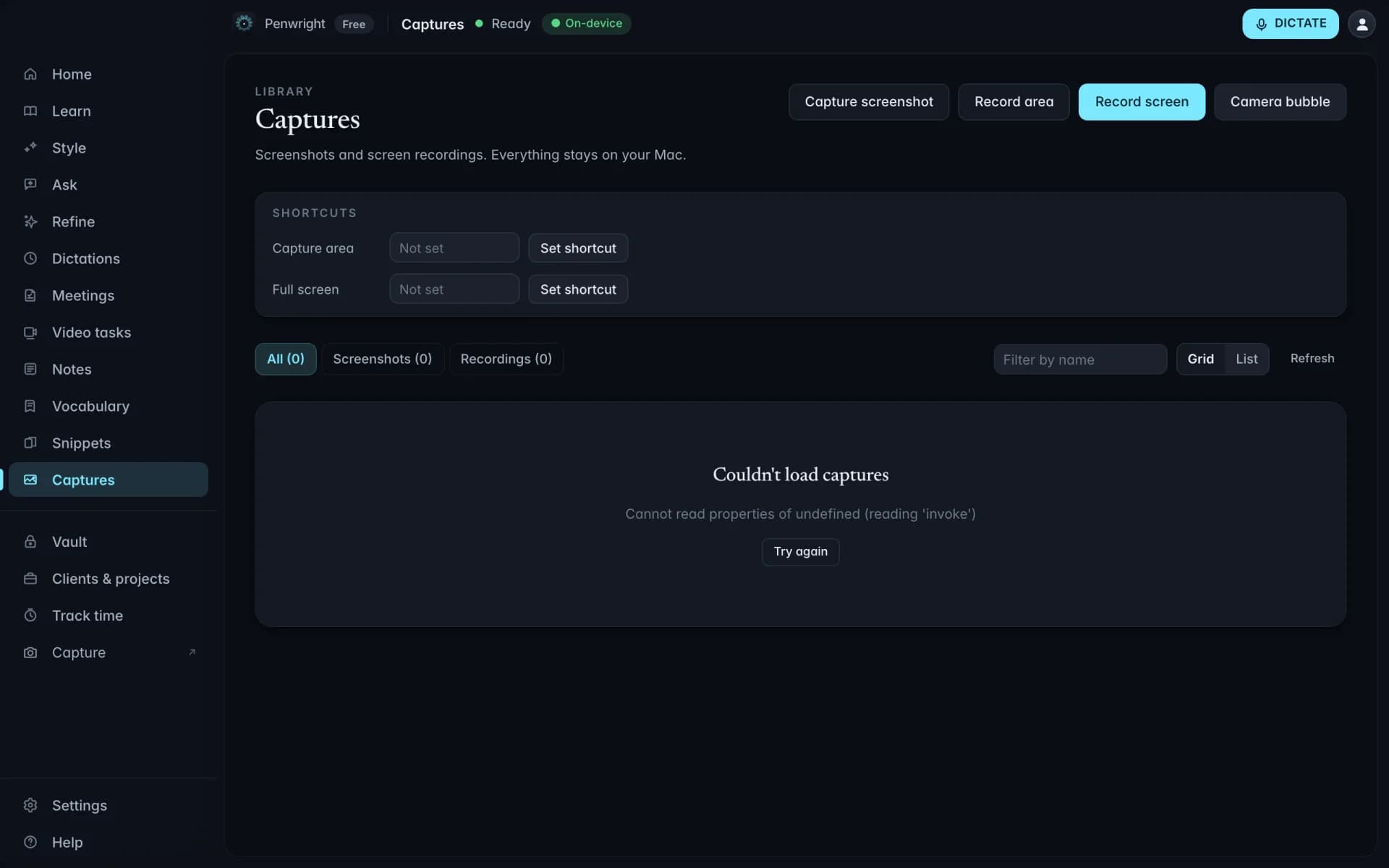
Keep your notes in a You channel and the rest of the meeting in an Others channel, ready to turn into decisions and actions.
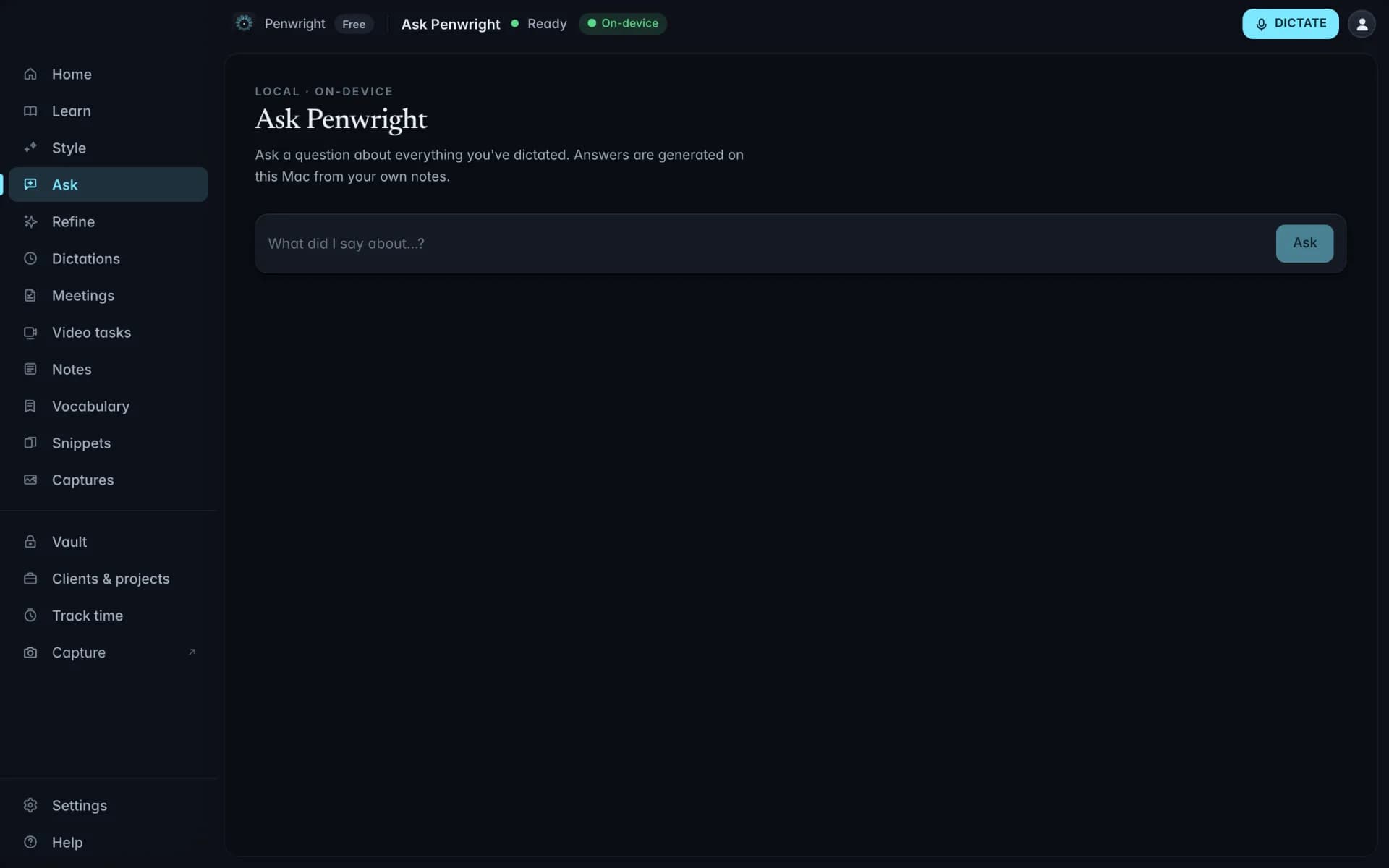
Find what you said to a customer in your saved dictation history, with a source reference to check.
Dictionary, snippets, and multilingual drafting keep the small details in your flow.
Give Penwright the names, acronyms and product terms you use. Your saved spellings help guide dictation on your Mac.
Trigger a saved block of text by saying a phrase. The expanded version comes out polished, and the variables stay yours to fill.
Dictate in supported languages, including English and German. Recognition and cleanup run on your Mac; results vary by language and audio quality.
Client notes, rough drafts and half-formed ideas are yours. Penwright handles dictation and cleanup on your Mac; its cloud API handles your account, licence and billing.
Your voice is transcribed and cleaned up on your Mac. Drafts do not need to pass through a cloud AI service.
Included at launchSaved dictations, notes and meeting records live on your Mac, ready for you to search and reuse.
Included at launchOnce setup and model downloads are complete, dictation and cleanup work without an internet connection while your licence is valid.
Included at launchYou control exports and connected services. Text you insert into another app is handled by that app under its own settings.
Included at launchRecord the flow while you reproduce the issue. Review the editable brief with the relevant moments before filing it.
Speak the requirement straight after the customer call, while the customer language and open questions are clear.
Add an arrow, callout, or blur, then paste the marked-up image into the ticket beside your explanation.
Use your own numbers to explore where spoken drafts could give you more room for the work.
Include writing that you could realistically dictate.
If you do not bill hourly, use a fair estimate.