Personal dictionary
Add your team's vocabulary once. Penwright gets it right every time after that, codenames, last names, library names, internal acronyms.
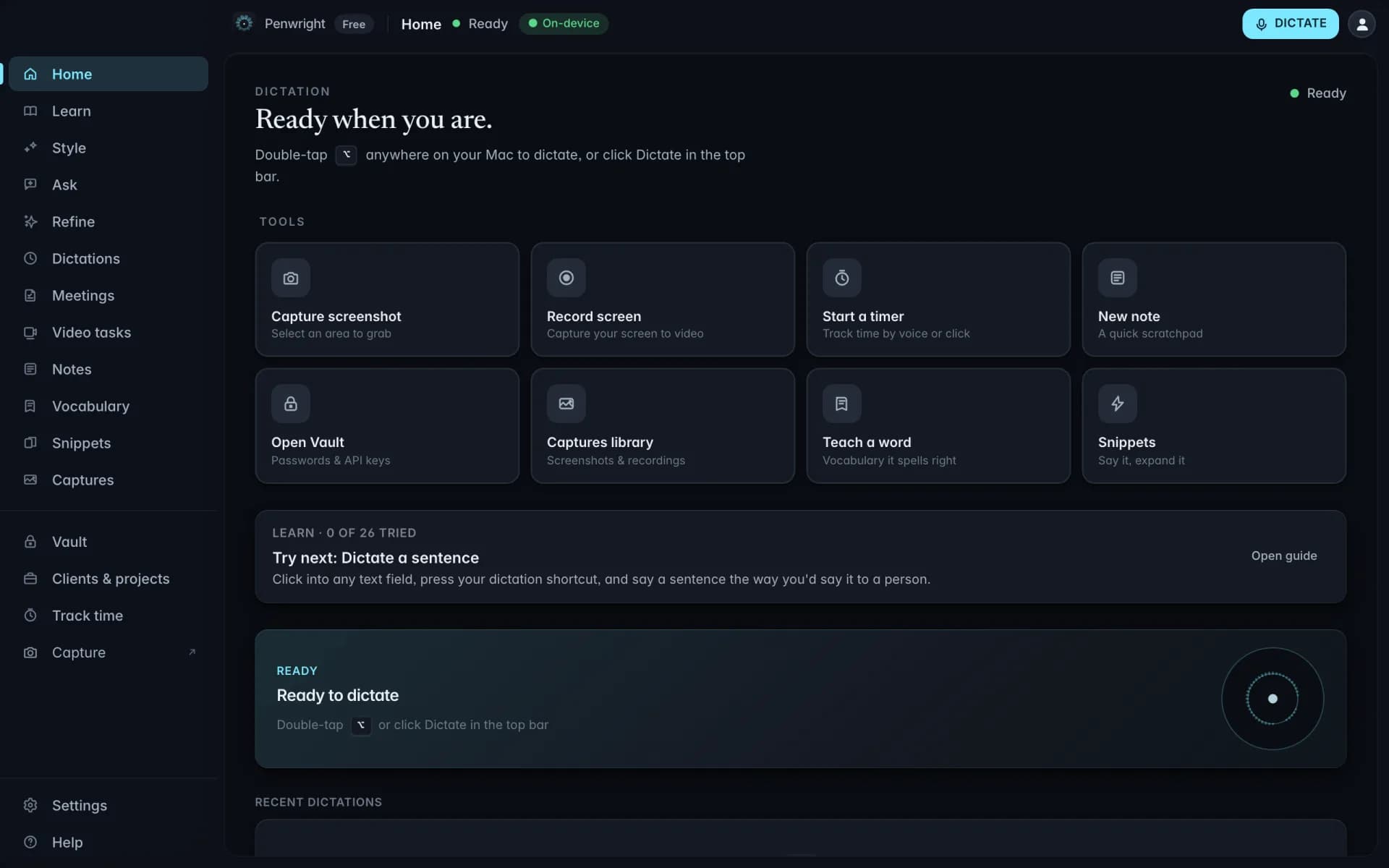
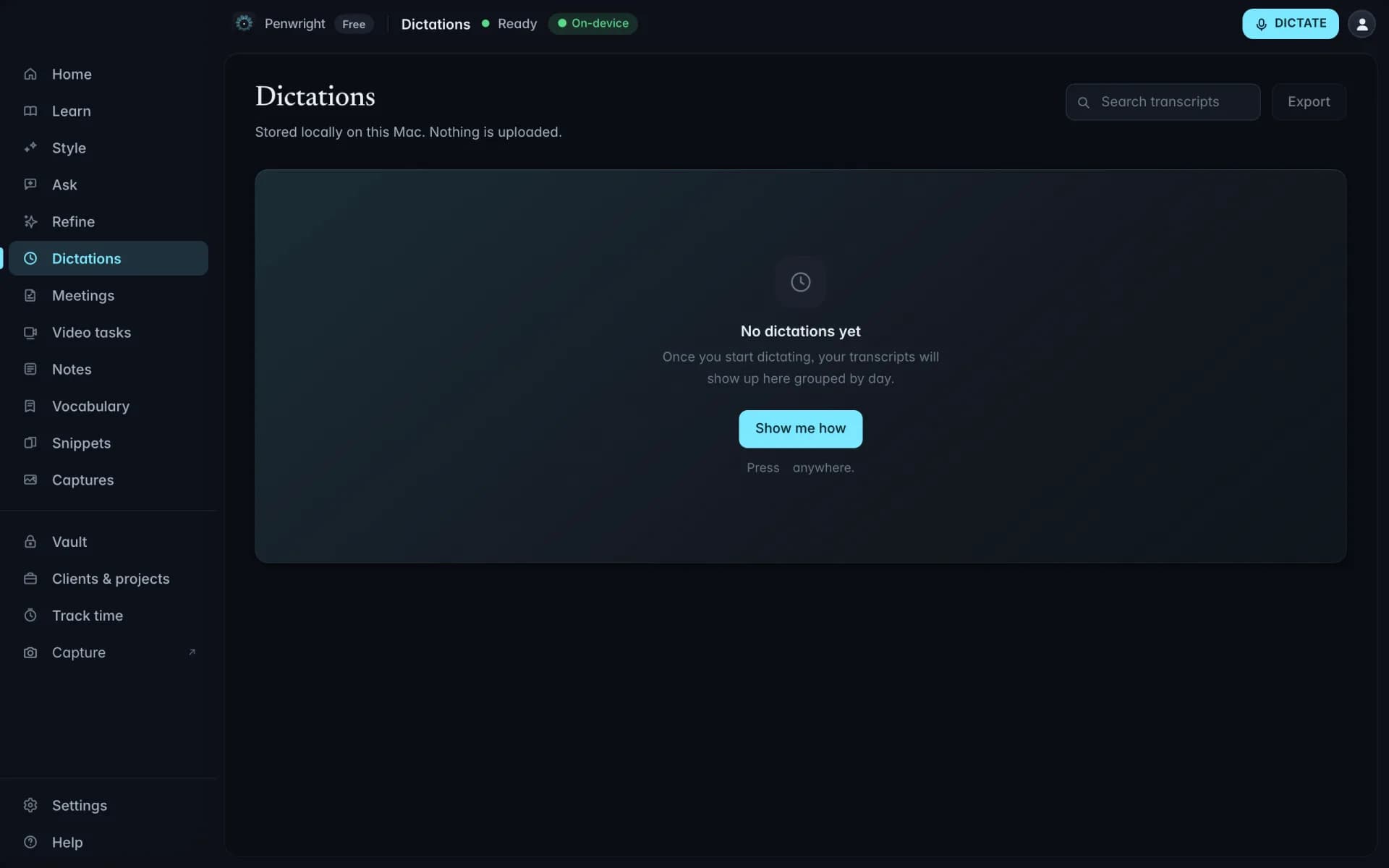
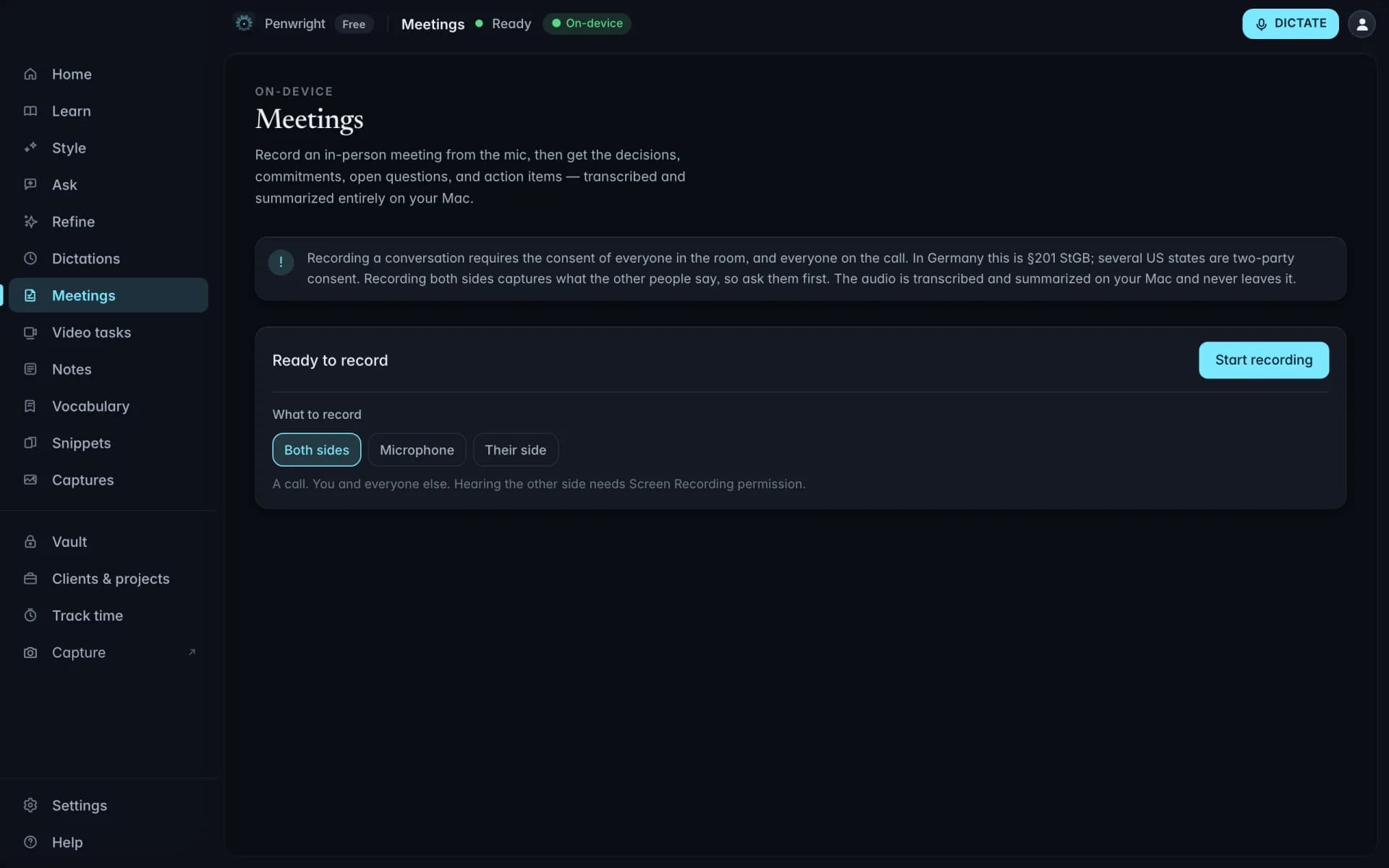
It starts with dictation and does not stop there. Meetings, recall, the vault, projects and time tracking all run on the same local model.
Everything in the app
Speak, sound right, capture, recall. Every one of these runs on the same local model on your Mac.
Getting words out of your head and into the app you are already in.
Cleanup that removes the noise and keeps your vocabulary and tone.
Meetings, screens, video and stray ideas, recorded and written up locally.
Ask what you said, keep secrets safe, and bill the hours you worked.
Select any text, anywhere, and tell Penwright what to do with it. Translate it, formalize it, shorten it, fix it, turn it into an email or a reply. The instruction is your voice; the result lands in a card with Replace and Copy one key away. Penwright also reads the field the selection sits in, so instructions like "draft a reply" or "answer the last question" have the context they need. Processing happens on your Mac. The text you selected is never transmitted.
Cleanup. Dictionary. Snippets. Languages. Each one removes a layer of friction between thinking and writing.
Penwright doesn't just write down what you said. It removes the ums and ahs, builds the structure your audience needs, and matches the tone of where you're typing.
um yeah so the launch is going well and we shipped on monday and the numbers look ok
The launch is going well. We shipped on Monday and the numbers look solid.
Codenames, last names, library names, internal acronyms. Add them to the dictionary, and Penwright gets them right every time after.
Trigger a saved block of text by saying a phrase. Penwright expands it polished and lets you fill in the variable parts with your voice.
Dictate in English, German, Spanish, French, Mandarin, Japanese, and 95 more. Switch the input language with a toggle. The local model handles all of them.
A dictionary that learns your jargon. Snippets for the things you write every day. Real multilingual support, not just English with an accent.
Add your team's vocabulary once. Penwright gets it right every time after that, codenames, last names, library names, internal acronyms.
Trigger a saved block of text by saying a phrase. The expanded version comes out polished, and the variables stay yours to fill.
Dictate in English, German, Spanish, French, Portuguese, Mandarin, Japanese, and 90 more. Switch with a toggle. The model runs on your Mac in every language.
Penwright installs Whisper large-v3-turbo for transcription and Qwen3-4B for cleanup, both running on your Mac's GPU via Metal. One 3.4 GB download, one click, no tiers to pick.
On Macs with 32 GB of memory or more, Penwright automatically fetches Qwen3-30B-A3B in the background, verifies it, and switches over. It carries roughly seven times the knowledge and is slightly faster in use, because only a fraction of it computes per word. Nothing to configure, nothing extra to pay. Model quality is decided by your hardware, not your plan.
One hotkey. Screen plus camera in a single take, with a webcam bubble you can drag wherever it doesn't get in the way. The whole recording is written to your local captures library, never streamed up, never queued for a cloud transcoder.
Every recording stays on disk until you share it.
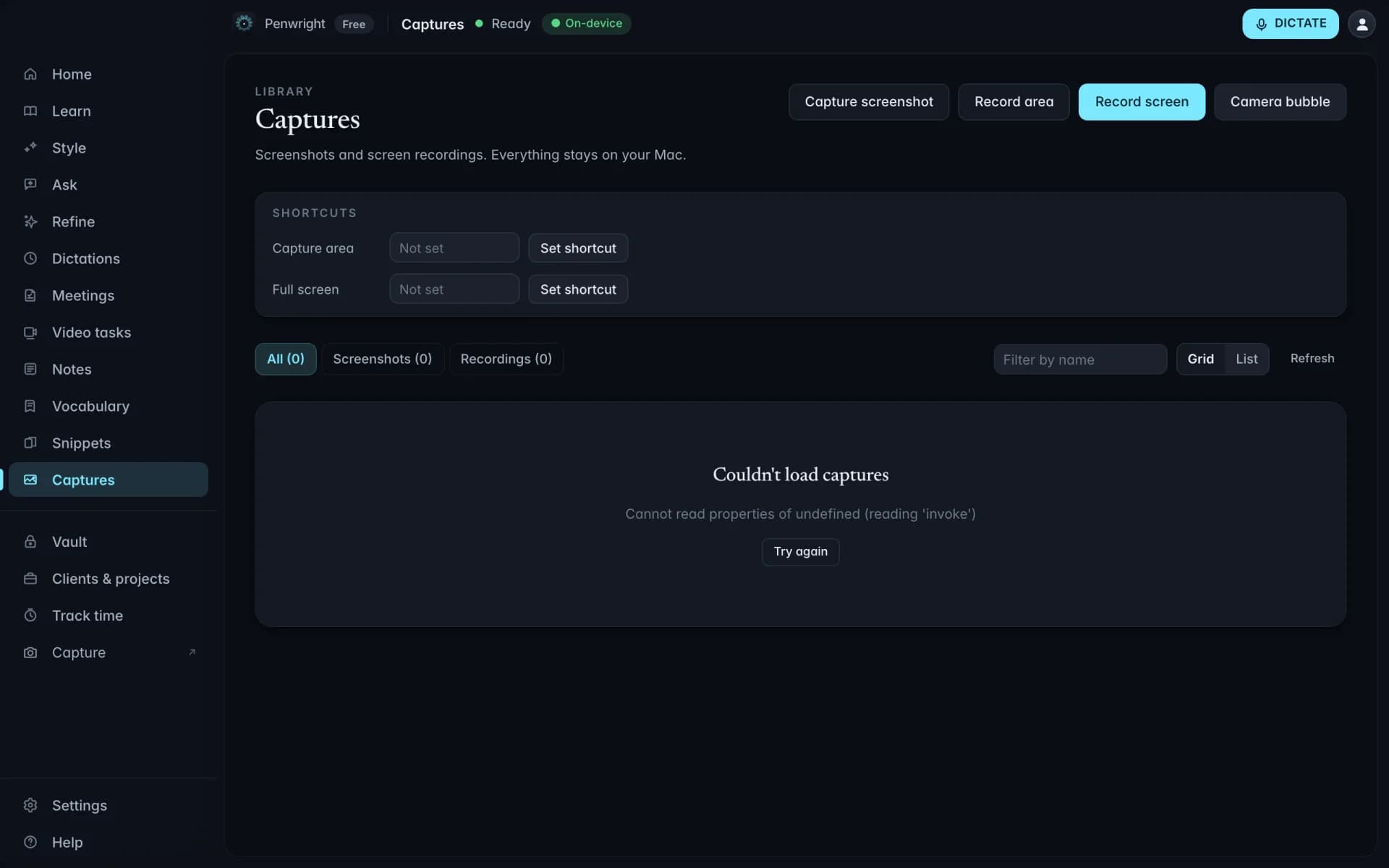
Penwright replaces the desktop-folder-of-screenshots chaos with a real library. Thumbnails, search by extracted text, filter by date or kind, preview without leaving the app. Send to Slack or email from the row. Delete in bulk. All of it lives on your Mac.
Every founder has the same problem: the idea hits on a walk and is gone by the desk. Penwright's idea catcher is a single global hotkey that records what you say and runs it through the on-device EuroLLM model. Out comes a headline, a one-line summary, three tags, and a list of next actions. Nothing leaves your Mac.
Okay so the thing about the trial flow, I keep losing people on day 3, I think because the email at day 2 is too dry. We could try a video from me, or a quick demo of the cleanup feature, idk. Also remember to write the founder note for the launch post.
Day-2 nurture email is too dry; testers churn on day 3. Test a personal founder video or a 30-second cleanup demo in the next iteration.
Penwright stores passwords, API keys, and secrets in the macOS Secure Enclave. Encrypted on your device, decrypted only on yours. When you share a secret with another Penwright user, the relay sees ciphertext, never the plaintext.
We're a Pareto-cut tool, not a password manager. If you need shared family vaults, browser auto-fill, or breach monitoring, keep 1Password. If you keep pasting `OPENAI_API_KEY=` into chat windows, this is for you.
You record a 30-second product demo or a testimonial clip. Penwright's ad export trims it, burns in captions, resizes for every platform's aspect ratio, and hands you a ZIP that drops straight into Meta Ads Manager or Google Ads. No video editor, no agency, no upload to a third-party tool. Local pipeline, one click out.
We're shipping Meta first. Drop your email and we'll let you know the week it goes live, no marketing drip, just one launch ping.
You think faster than your fingers can move. Penwright closes the gap.
Average typing speed for a confident keyboard user.
Sustainable speech rate. No cloud round-trip.
We're transparent about what we ship today and what we're working on. No imaginary certifications.
Audio and transcripts never leave your Mac.
Live todayPersonal content stays on the Mac by default. There is no audio to process serverside. Subject-access requests honored.
Live todayControls under review. Available on request once audited.
In progressOn the roadmap. Targeting completion within the next 12 months.
In progressBuilt local-first, which means the roadmap compounds: every new capability inherits the same privacy architecture. In the order we expect to ship:
Cross-language dictation. Speak in German, insert polished English, or the reverse.
Whole-thread replies. Select an email thread, say what your answer should say, get a draft that addresses every open question.
Multi-step voice commands. One sentence, several actions: calendar, reminder and draft in one go.
Code edits by voice. Select a function, say the change.