Narration becomes notes
Talk while you record and the narration is transcribed alongside the video, so the recording arrives with its explanation attached.
Your folder, your files
Captures are normal files on your Mac. No link that expires, no account required to watch, no upload to someone else's cloud.
From video to task
Drop any recording in and Penwright writes the brief: transcript, key moments, frames. Nobody has to scrub the video.
Record the screen, the camera, or both
Record the screen, the camera, or both together, narrating as you go. Recordings are saved to your own folder, not to someone else's cloud.
Narrate while you record. The narration is transcribed alongside the video, so the recording arrives with notes attached.
Saved where you can find it. Files land in a normal folder on your Mac. No link that expires, no account required to watch it.
Feeds the rest of the app. A recording can go straight into a video task and come back as a written brief.
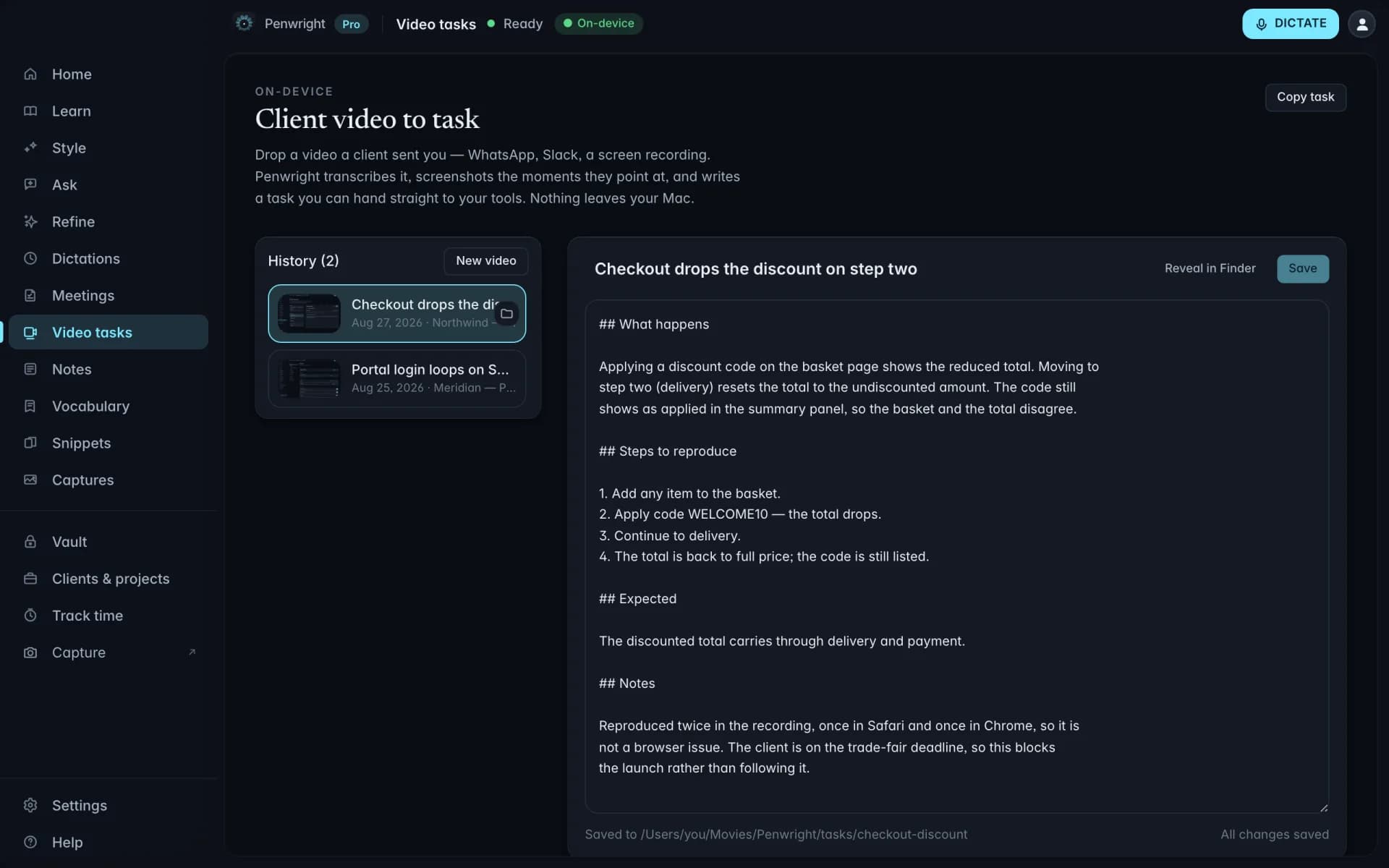
Turn a recording into a brief someone can act on
Drop in a screen recording or a video file. Penwright pulls the audio, transcribes it, finds the moments that matter, grabs the frames, and writes the task.
Bug reports without the writing. Record yourself hitting the bug and talking through it. The written report comes out the other end.
Key moments and frames. The moments that matter get timestamps and screenshots, so nobody has to scrub the video.
Local processing. The video is read on your Mac. It is not uploaded to a transcription service to be understood.
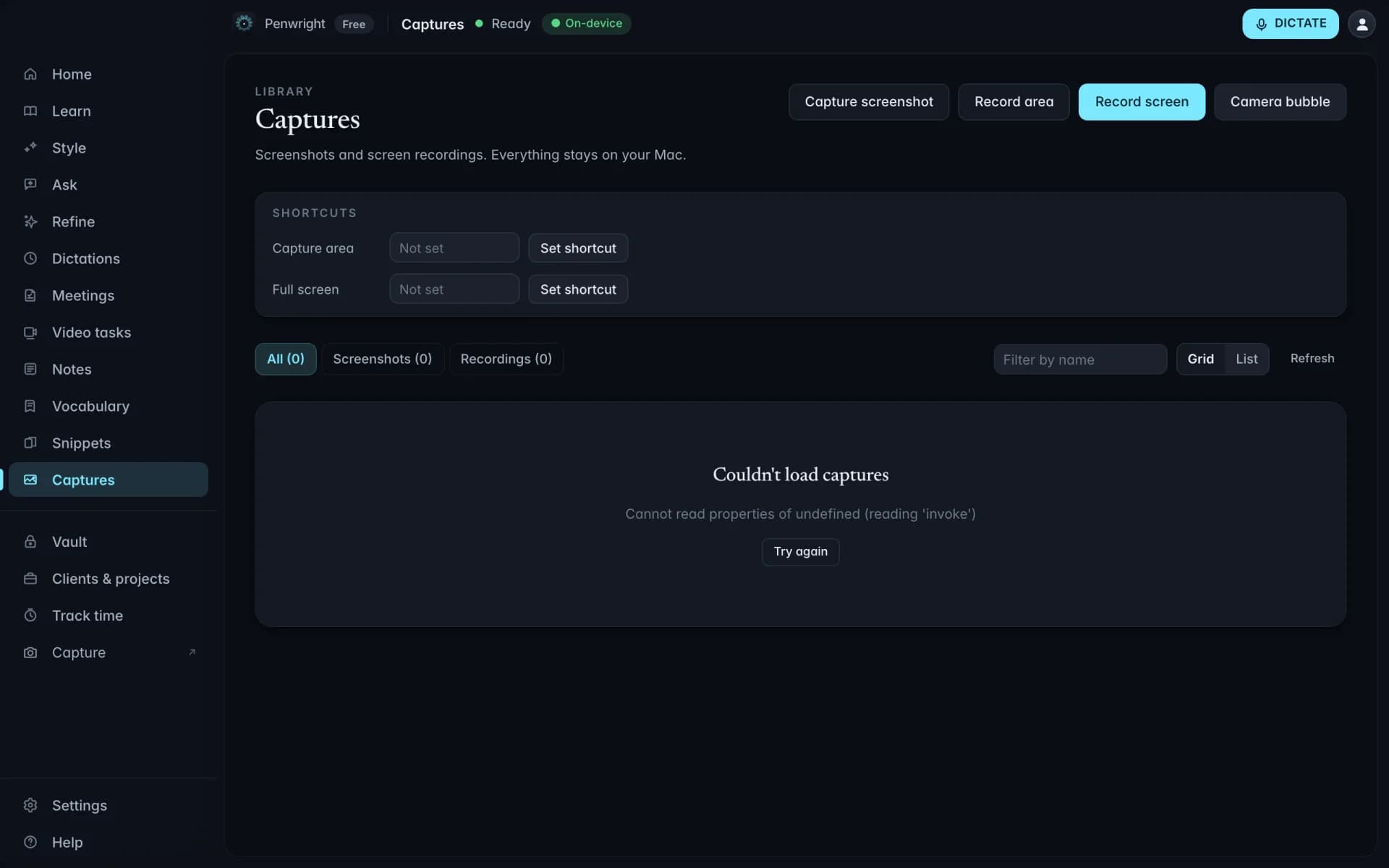
Every screenshot and clip in one place
Screenshots and recordings collect in one library instead of scattering across your desktop, filterable by kind and by name, and stored in a normal folder you can open in Finder.
Filter by kind and name. Narrow to screenshots or recordings, then type part of the name to find the one you want.
One place, not the desktop. Captures stop piling up as Screenshot 2026-08-26 at 14.02.11.png.
Stays on your Mac. Captures are saved to a folder on your Mac. A screenshot of a contract never becomes an upload.
Nothing leaves your Mac
Transcription and cleanup run on your machine. The Penwright API only handles your account, subscription and licence. There is no endpoint that accepts text or audio.