Personal dictionary
Give Penwright the names, acronyms and product terms you use. Your saved spellings help guide dictation on your Mac.
Add: 'Kestrel' • Replace: 'Kestral' with 'Kestrel'
Four practical ways to turn spoken thinking into work you can review and use.
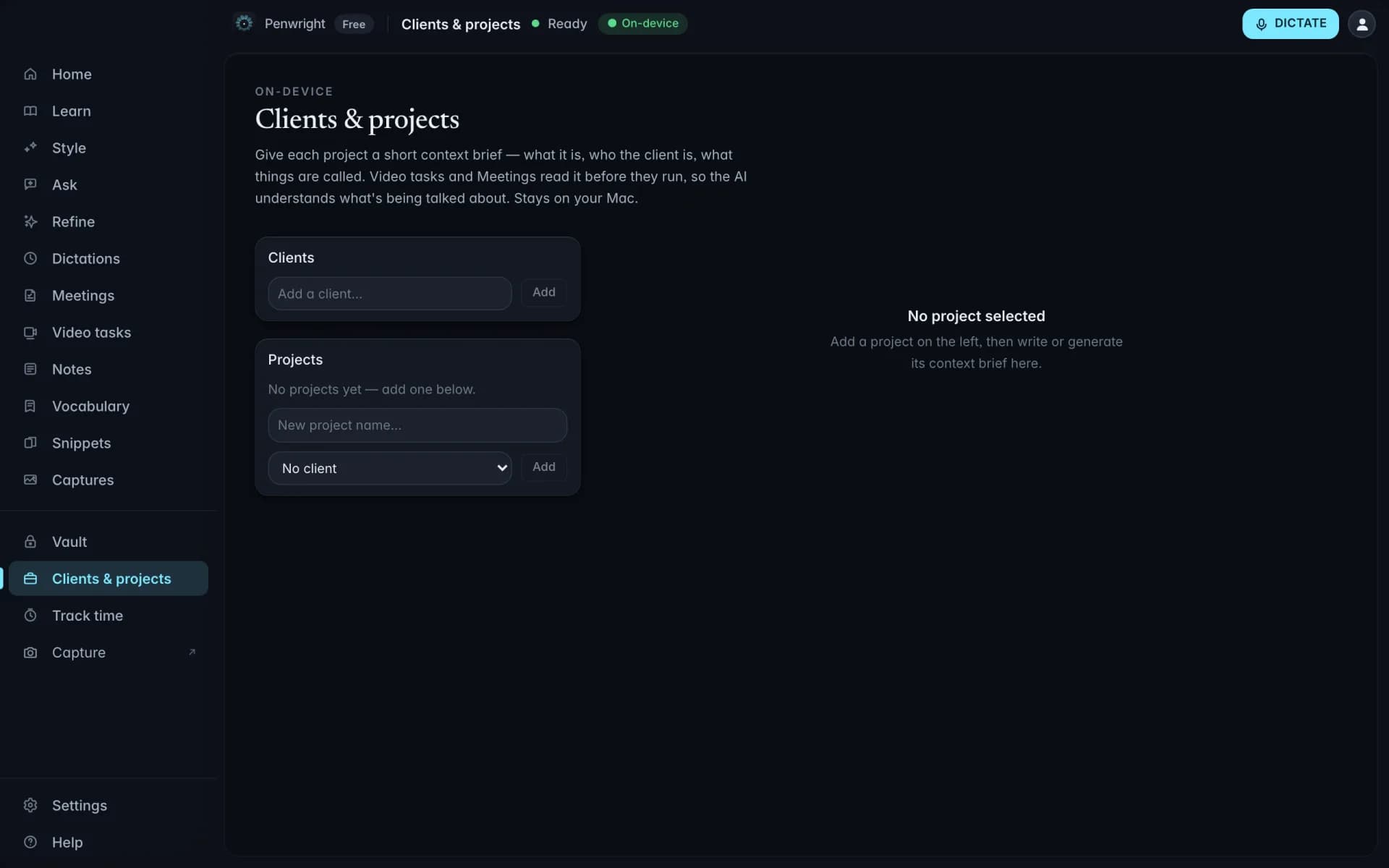
Capture your channel and Others channel separately, then shape the notes into an update your team can act on.
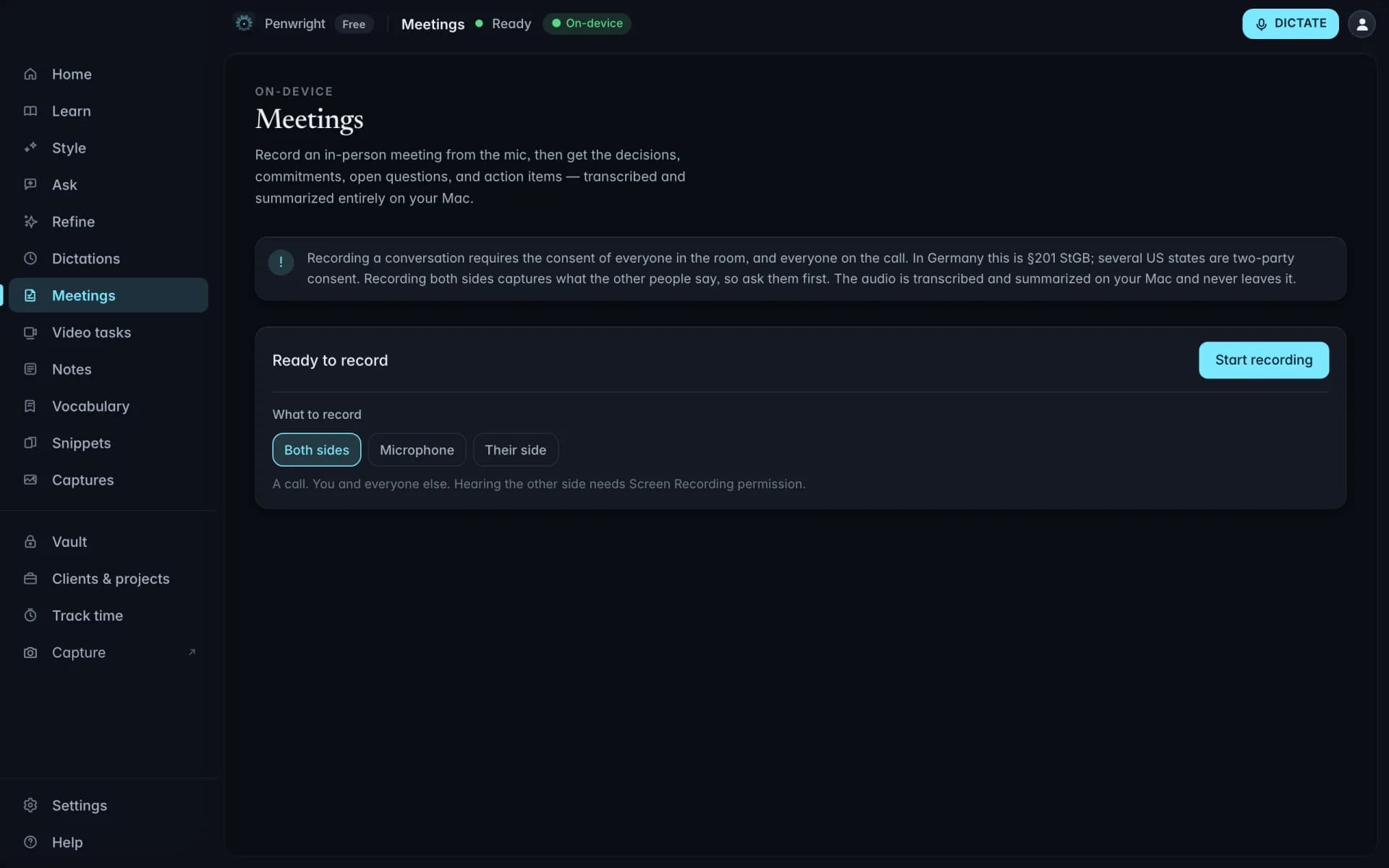
Describe the client, duration, and work in one pass, then check the entry before it joins your records.
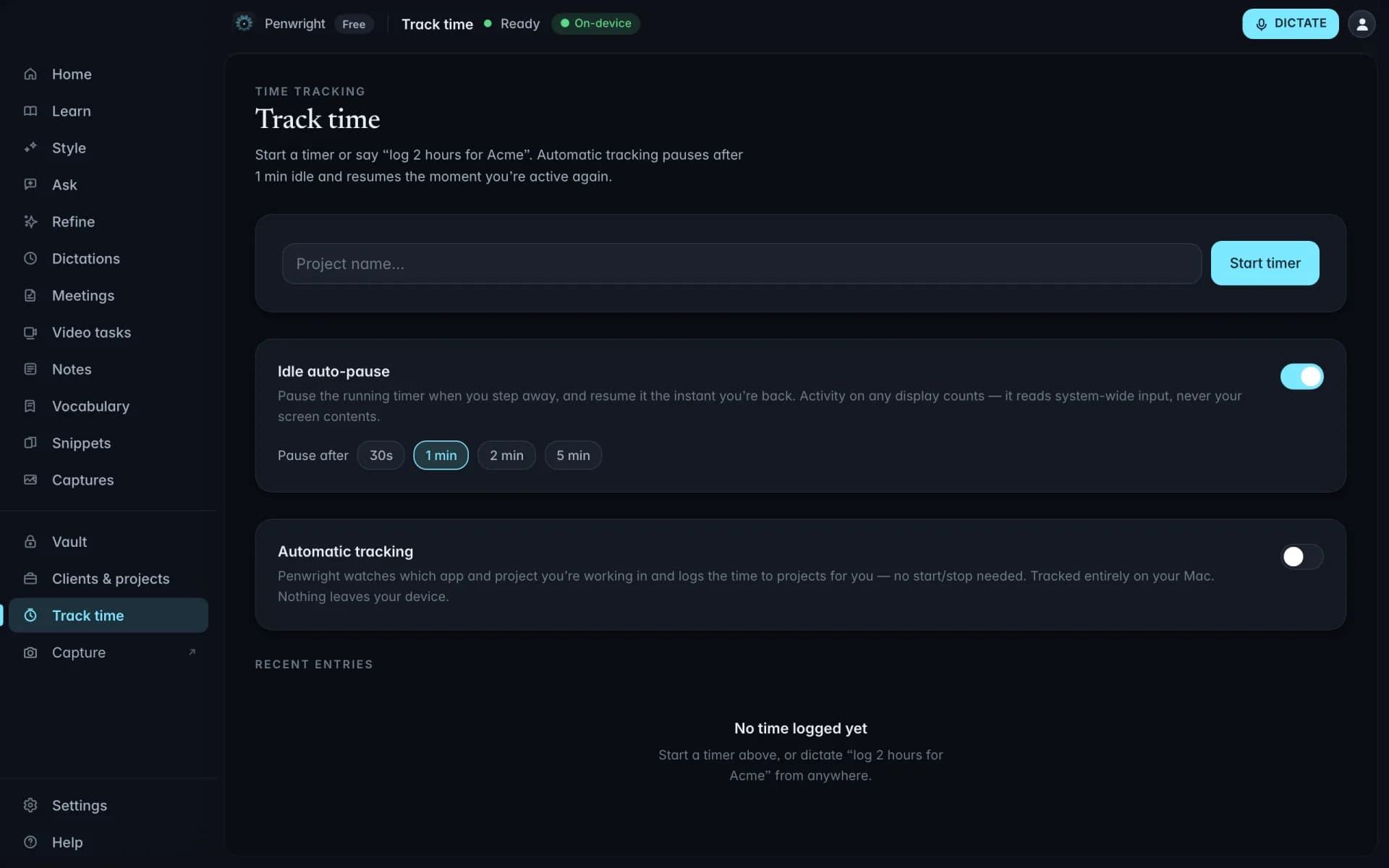
Narrate a screen or camera walkthrough and turn it into a structured brief you can revise and send.
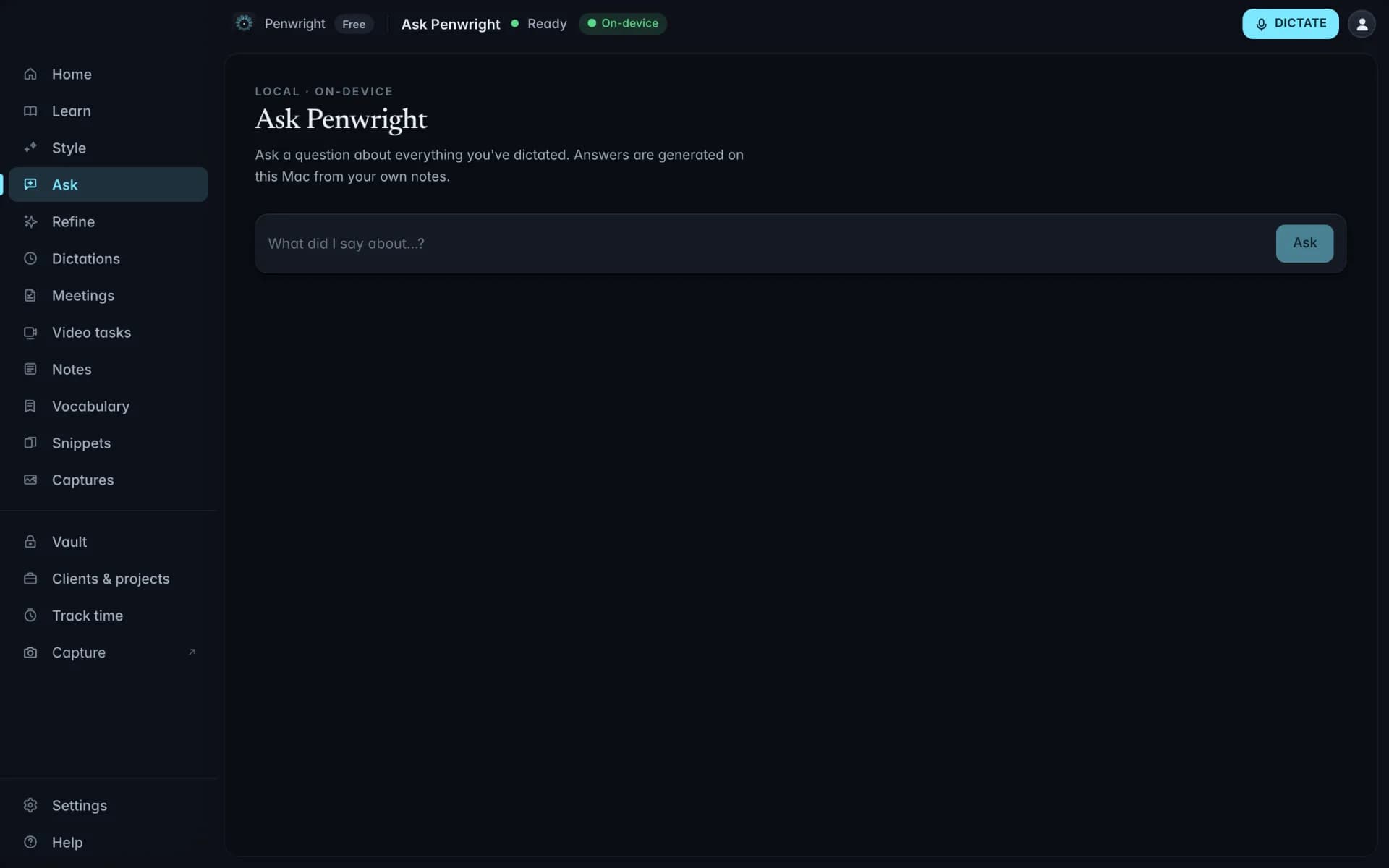
Ask what you said and follow the timestamped source reference back to the saved dictation.
Dictionary, snippets, and multilingual drafting keep the small details in your flow.
Give Penwright the names, acronyms and product terms you use. Your saved spellings help guide dictation on your Mac.
Trigger a saved block of text by saying a phrase. The expanded version comes out polished, and the variables stay yours to fill.
Dictate in supported languages, including English and German. Recognition and cleanup run on your Mac; results vary by language and audio quality.
Client notes, rough drafts and half-formed ideas are yours. Penwright handles dictation and cleanup on your Mac; its cloud API handles your account, licence and billing.
Your voice is transcribed and cleaned up on your Mac. Drafts do not need to pass through a cloud AI service.
Included at launchSaved dictations, notes and meeting records live on your Mac, ready for you to search and reuse.
Included at launchOnce setup and model downloads are complete, dictation and cleanup work without an internet connection while your licence is valid.
Included at launchYou control exports and connected services. Text you insert into another app is handled by that app under its own settings.
Included at launchRecord a short walkthrough of where things stand, then share the file or its editable brief with the people who need it.
Keep your own notes distinct from what Others said, then turn the follow-up into decisions, owners, and next steps.
Say the client, duration, and work, then review the entry before adding it to your time log.
Use your own numbers to explore where spoken drafts could give you more room for the work.
Include writing that you could realistically dictate.
If you do not bill hourly, use a fair estimate.