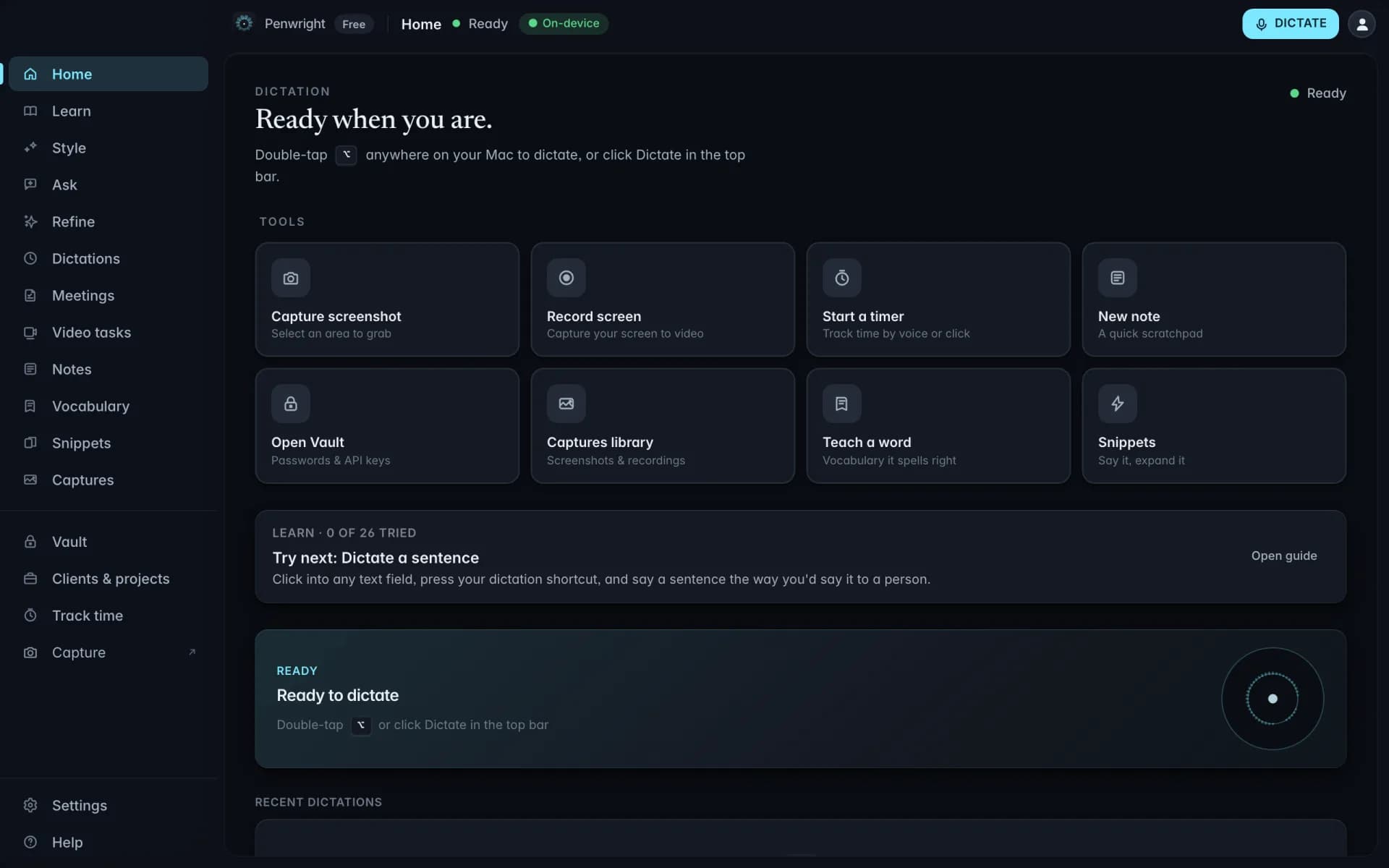
Content stays on your Mac
Dictation, transcripts, meeting audio and local indexes are processed and stored on your machine.
Included at launchYou don't need to dictate the code. You need to dictate everything *around* the code, the doc comment that explains why, the commit message that summarizes the diff, the PR description. Penwright types that into VS Code so you can focus on the part that matters.
fix race condition in the websocket reconnect logic when the network flips between wifi and cellular
fix: race condition in WebSocket reconnect logic during Wi-Fi/cellular handoff
Click into a VS Code text field, hit the hotkey, speak. The clean text is in before you would have typed it.
Three minutes of speaking become structured text with paragraphs and punctuation. No typing cramp, no reformatting.
Standard replies live as snippets and expand from a spoken trigger. The dictionary keeps names, companies and acronyms spelled right.
Grab the .dmg from the download page, drop it in Applications, open.
Default is ⌘⇧Space. If Spotlight is in the way, set a conflict-free shortcut right away.
Drop in the names, companies and codenames you use every day. Penwright will get them right from day one.
Open VS Code, click into a text field, hold the hotkey, speak. Release. The cleaned version lands in the field.
Three to four times faster with voice. The math gets uncomfortable fast.
Average typing speed for a confident keyboard user.
Sustainable speech rate. No cloud round-trip.
Penwright does not need your spoken content to provide the product. Audio, transcripts and local indexes stay on your Mac, and you can verify the network traffic yourself.
Dictation, transcripts, meeting audio and local indexes are processed and stored on your machine.
Included at launchPenwright's servers handle accounts, licences and billing, not the audio or transcripts you create on your Mac.
Included at launchThe Penwright API has no route for your dictation audio or transcripts. A server cannot leak content it never receives.
Included at launchUse any network monitor you trust. The security page documents the traffic you should, and should not, see.
Included at launchDictate long prompts and code intent directly into Cursor. Stop typing, start shipping.
Talk to your AI like you talk to a colleague. Long, structured prompts without the cramp.
PR descriptions, issue comments, release notes. Talk it through, ship it polished.
Reply to a full inbox in a fraction of the time. Speak the response, send the clean version.